From thecybersecurityhub on Instagram.
Happy Halloween. Scary?

The Cyber Security Hub credits VicariusLtd.

Identity/biometrics/technology marketing and writing services
From thecybersecurityhub on Instagram.
Happy Halloween. Scary?
The Cyber Security Hub credits VicariusLtd.
Bredemarket helps identity/biometric firms.
Don’t miss the boat.
Augment your team with Bredemarket.
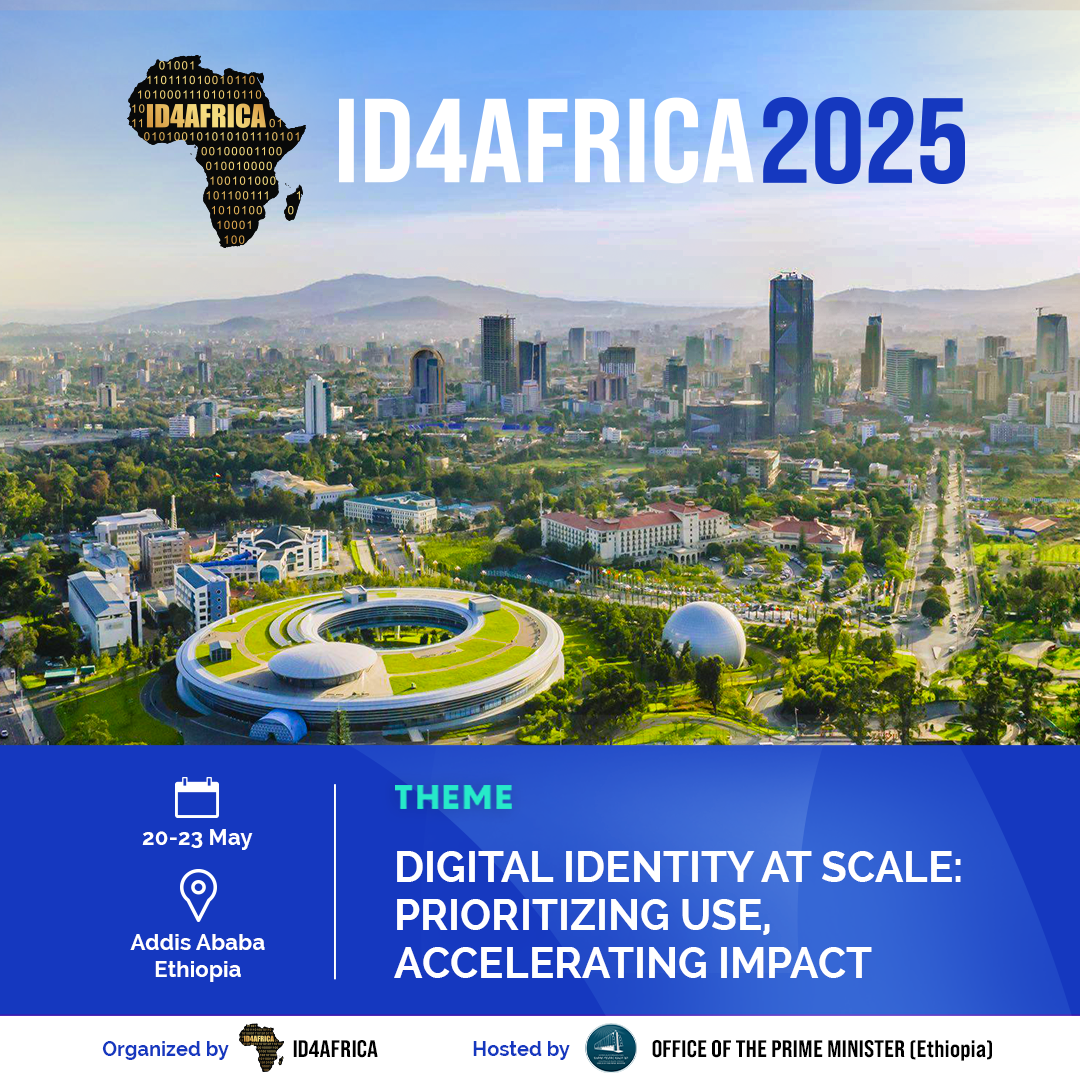
The ID4Africa 2025 AGM will be held on 20-23 May 2025 at the Ethiopian Skylight Hotel in Addis Ababa, Ethiopia.
Digital Identity at Scale: Prioritizing Use, Accelerating Impact
More information: https://mailchi.mp/id4africa.com/campaign_20241023en?e=044d42cd9e
Do you believe in intentional ignorance, stupidity, and idiocy?
Let me put it another way:
Do you believe in the “death of passwords”?
The rationale behind the decades-long death of passwords movement is that passwords do not provide 99.99999% security, therefore NO ONE should EVER EVER EVER use a password, or ANY other form of knowledge (PIN, first pet, what a traffic light looks like, college GPA, favorite RGB value).
I have a different view.
Knowledge CAN be part of a robust multi-factor identity verification or authentication solution.
Just like biometrics CAN be part of a robust multi-factor identity verification or authentication solution. Oh, you think biometrics should be the SOLE (geddit?) factor? I hate to break this to you, but biometrics do not provide 99.99999% security either.
And for the simpler use cases (such as garage sale money boxes), knowledge-based authentication such as a combination lock is a viable security system.
Don’t rely on passwords alone…
…but don’t completely ban them either. Knowledge ain’t dead.
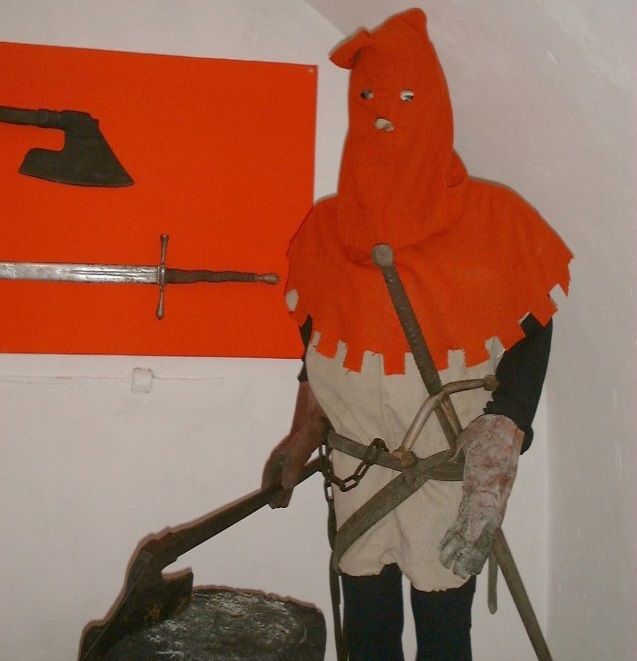
Because advocating for the death of the password is as stupid as advocating for the death of the bicycle.

(Executioner image CC BY-SA 3.0)

Not enough attention is paid to the critical importance of zip codes for U.S. tech product marketing job applicants. Identity experts know that geolocation can serve as one of the five factors of authentication. But geolocation (via zip code) can also serve as a factor of disqualification.
This video doesn’t directly have to do with Bredemarket—my clients ARE remote-friendly—but since it involves my status as a biometric product marketing expert I thought I’d share it here.
For more detail, see my LinkedIn post from earlier this morning.

Identity/biometric vendors, analyze your competitors to convert your prospects.
Bredemarket, with 30 years of identity/biometric experience, can help.
Do you need identity/biometric analysis from an informed analyst with 30 years of identity/biometric experience?
Do you need:
Book a free meeting with Bredemarket and discuss your needs. Click the image below to drive informed analysis with Bredemarket Identity Firm Services.

I’ve talked ad nauseam about the five factors of identity verification and authentication. In case you’ve forgotten, these factors are:
I’ll leave “somewhat you why” out of the discussion for now, but perhaps I’ll bring it back later.
These five (or six) factors are traditionally used to identify people.
But what happens when the entity you want to identify is not a person? I’ll give two examples:
There’s clearly a need to identify non-person entities. If I work for IBM and have a computer issued by IBM, the internal network needs to know that this is my computer, and not the computer of a North Korean hacker.
But I was curious. Can the five (or six) factors identify non-person entities?
Let’s consider factor applicability, going from the easiest to the hardest.
Those three were easy. Now it gets harder.
Something you know. This one is a conceptual challenge. What does an NPE “know”? For artificial intelligence creations such as Kwebbelkop AI, you can look at the training data used to create it and maintain it. For a German musician’s (or an Oregon college student’s) pocket calculator, you can look at the code used in the device, from the little melody itself to the action to take when the user enters a 1, a plus sign, and another 1. But is this knowledge? I lean toward saying yes—I can teach a bot my mother’s maiden name just as easily as I can teach myself my maiden name. But perhaps some would disagree.
Something you are. For simplicity’s sake, I’ll stick to physical objects here, ranging from pocket calculators to hand-made ceramic plates. The major reason that we like to use “something you are” as a factor is the promise of uniqueness. We believe that fingerprints are unique (well, most of us), and that irises are unique, and that DNA is unique except for identical twins. But is a pocket calculator truly unique, given that the same assembly line manufactures many pocket calculators? Perhaps ceramic plates exhibit uniqueness, perhaps not.
That’s all five factors, right?
Well, let’s look at the sixth one.
You know that I like the “why” question, and some time ago I tried to apply it to identity.
The first example is fundamental from an identity standpoint. It’s taken from real life, because I had never used any credit card in Atlantic City before. However, there was data that indicated that someone with my name (but not my REAL ID; they didn’t exist yet) flew to Atlantic City, so a reasonable person (or identity verification system) could conclude that I might want to eat while I was there.
But can you measure intent for an NPE?
I’m not sure.

Consulting firms (and other firms) make a big deal about the amazing processes we use when we onboard clients. (In Bredemarket’s case, I ask questions.)
But often we don’t talk about what we do when we OFFBOARD clients. And that’s equally important.
So let’s go inside the wildebeest habitat and see how Bredemarket handles client offboarding.

Yes, offboarding happens.
In 2023 I signed a contract with a client in which I would bill them at an hourly rate. This was a short-term contract, but it was subsequently renewed.
Recently the client chose not to renew the contract for another extended period.
On the surface, that would appear to be the end of it. I had completed all projects assigned to me, and I had been paid for all projects assigned to me.
So what could go wrong?
Plenty could go wrong.
During the course of my engagement with the client, I had enjoyed access to:
And all of this data was sitting in MY systems, including three storage systems, one CRM system, and one email system.
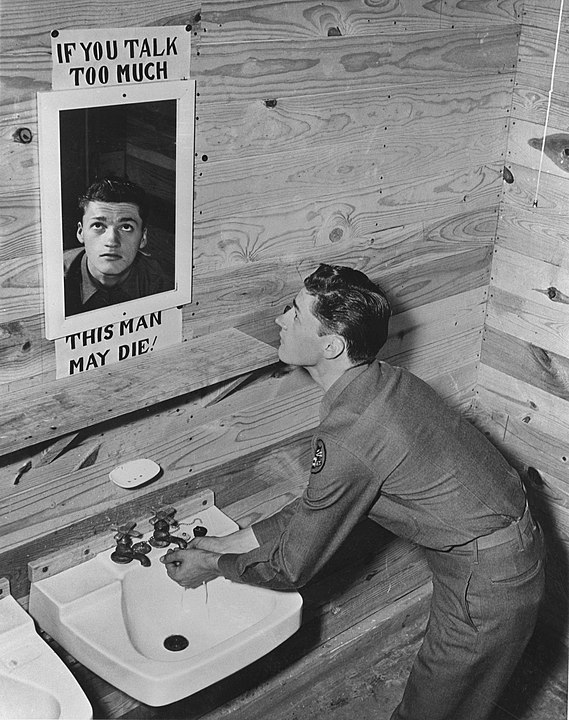
Now of course I had signed a non-disclosure agreement with the client, so I legally could not use any of that data even if I wanted to do so.
But the data was still sitting there, and I had to do something about it.
But I already knew what I had to do, because I had done this before.
Long-time readers of the Bredemarket blog will recall an announcement that I made on April 22, 2022, in which I stated that I would no longer “accept client work for solutions that identify individuals using (a) friction ridges (including fingerprints and palm prints) and/or (b) faces.” (I also stopped accepting work for solutions involving driver’s licenses and passports.)
I didn’t say WHY I was refusing this work; I saved that tidbit for a mailing to my mailing list.
So, why I am making these changes at Bredemarket?
I have accepted a full-time position as a Senior Product Marketing Manager with an identity company. (I’ll post the details later on my personal LinkedIn account…)…
If you are a current Bredemarket customer with a friction ridge/face identification solution, then I already sent a communication to you with details on wrapping up our business. Thank you for your support over the last 21 months. I’ll probably see you at the conferences that my employer-to-be attends.
That communication to then-current Bredemarket customers detailed, among other things, how I was going to deal with the confidential information I held from them.
So I dusted off the pertinent parts of that communication and repurposed it to send to my 2023-2024 client. I’ve reproduced non-redacted portions of that communication below. Although I don’t explicitly name my information storage systems in this public post, as I noted above these include three storage systems, one CRM system, and one email system.
Bredemarket will follow the following procedures to protect your confidential information.
- Bredemarket will delete confidential information provided to Bredemarket by your company by (REDACTED). This includes information presently stored on (REDACTED).
- Bredemarket will delete draft and final documents created by Bredemarket that include company confidential information by (REDACTED). This includes information presently stored on (REDACTED).
- If your company has provided Bredemarket with access to your company OneDrive, Outlook, or Sites, Bredemarket will delete the ability to access these company properties by (REDACTED). This includes deletion from my laptop computer, my mobile phone, and my web browser. Bredemarket further recommends that you revoke Bredemarket’s access to these systems.
- If your company has provided Bredemarket with access to all or part of your company Google Drive, Bredemarket recommends that you revoke Bredemarket’s access to this system.
I will inform you when this process is complete.
So I executed the offboarding process for my former client, ensuring that the client’s confidential information remains protected.
Of course, I hope the client comes back to Bredemarket someday, in some capacity.
But perhaps you can take advantage of the opportunity. Since your competitor no longer contracts with Bredemarket, perhaps YOU can.
To learn WHY you should work with Bredemarket, click the image below and read about my CPA (Content-Proposal-Analysis) expertise.

No, I’m not going to post videos of the relevant Doors songs on here. Jim’s Oedpidal complex isn’t business-friendly.

 Bredemarket