1984 John would have been so jealous of me on Tuesday.
On Tuesday I was writing an installation guide for a Bredemarket client. Even though it was a simply formatted guide, its formatting was light years ahead the software user manuals I wrote around 1984 (no significance, just coincidence).
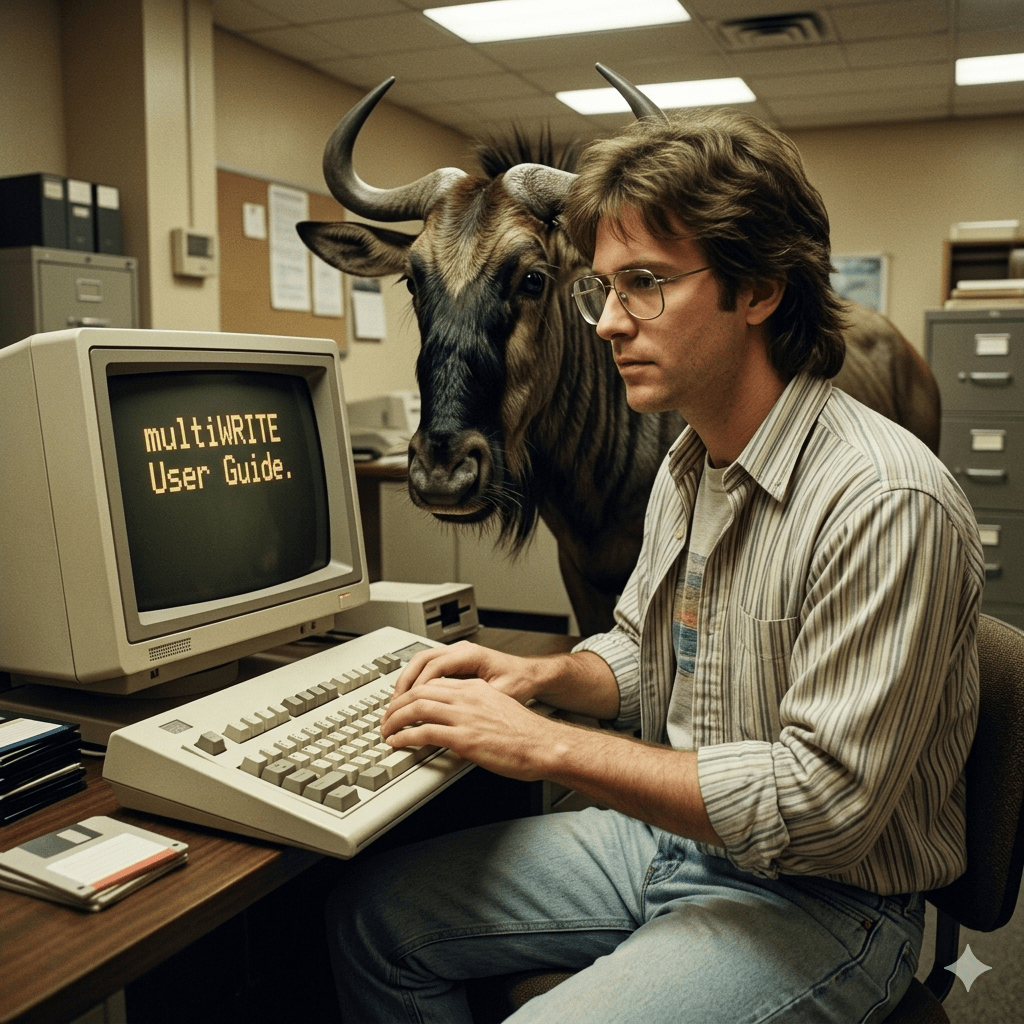
As I previously mentioned, 1984 John wrote user manuals using a software package called multiWRITE. You’ve probably never heard of it. multiWRITE was a word processor for the THEOS operating system that was developed by my employer, Logic eXtension Resources. So when I wrote the user manual for multiWRITE, I used…multiWRITE. Yeah, I ate my own wildebeest food even in the 1980s.
Google Gemini.
Now multiWRITE was a pretty good software package for the time, and THEOS was a pretty good operating system for the time. But by 2026 standards it was atrocious.
The output was bi-tonal, just black and white with no colors or even grayscale output.
The output was monospaced, just like a typewriter. Typewriters were still very common in 1984.
Things started to change as Logic eXtension Resources started to offer Macintosh software and started using Macs for internal document creation. But for my first years at Logic eXtension Resources it was basically typewriter-looking text saved to disk.
Fast forward to 2026, and I had to create a simple installation guide using today’s tools. The manual wasn’t fancy by any stretch of the imagination: even my ebook on the six factors of identity verification is fancier.
Oh, have I mentioned my ebook recently? Now I have. Click the image to buy.
Proving Humanity: The Six Factors of Identity Verification and Authentication.
But the client’s installation guide had several features that left multiWRITE in the dust.
One example: back in 1984 my text highlighting options were limited.
Re-creation of multiWRITE 1984 text.
On Tuesday I wrote a sentence that looked like this.
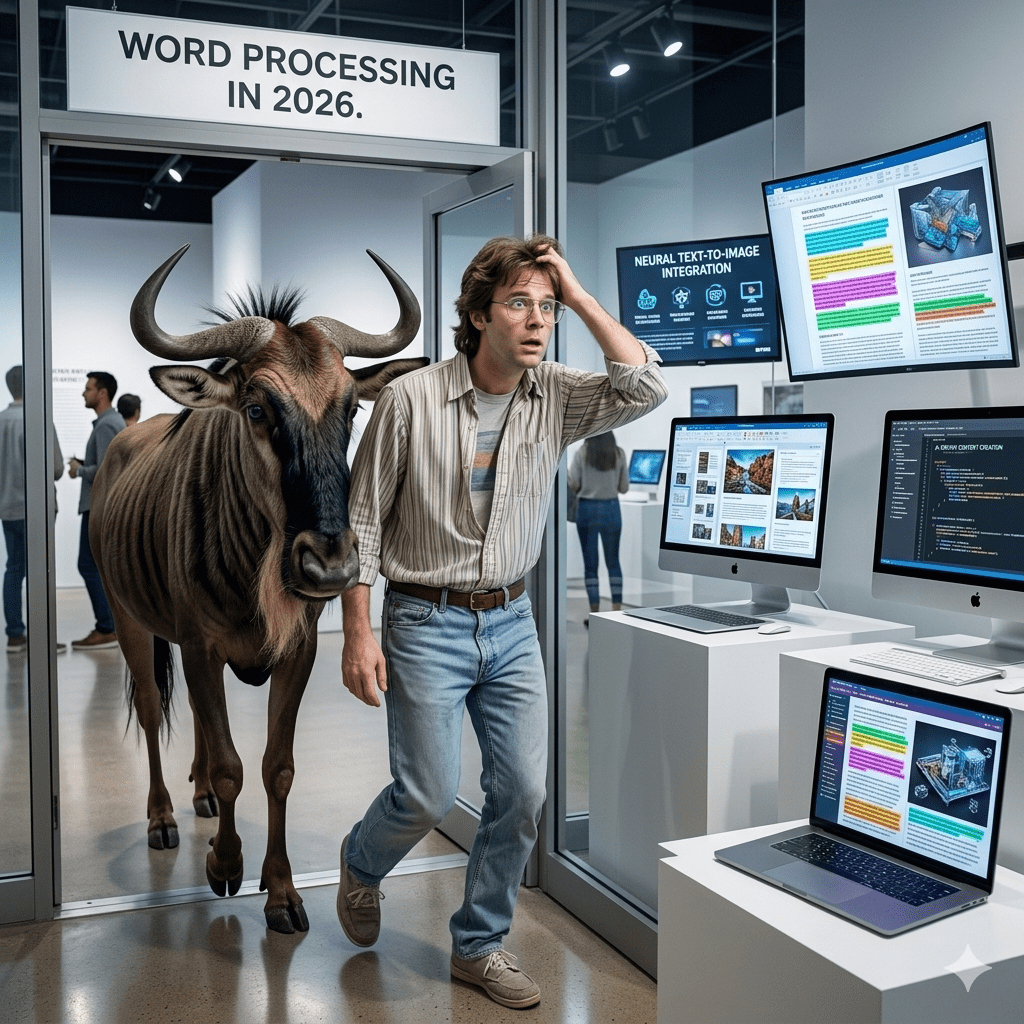
Actual Microsoft Word 2026 text.
Yeah, blue text. 1984 me would have been shocked.
Google Gemini.
But then again, other than me, who writes user manuals any more?
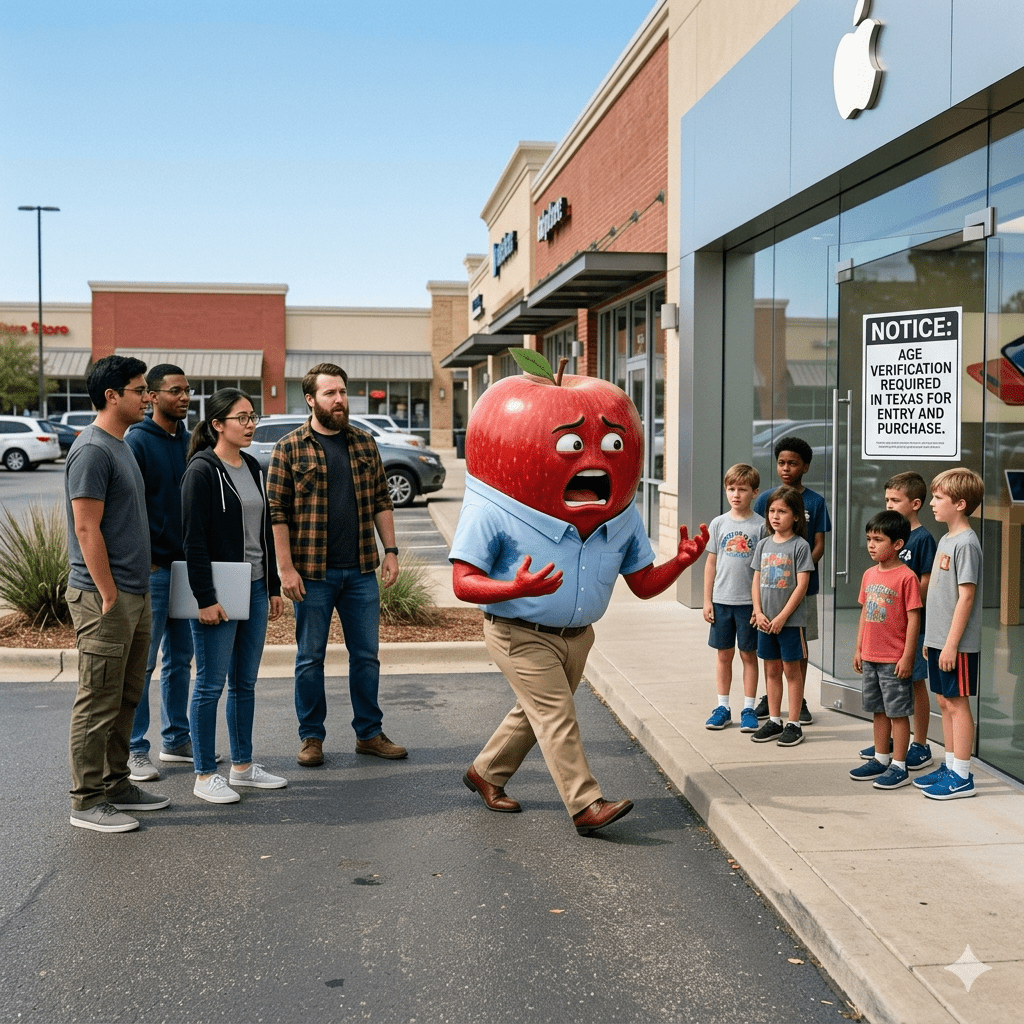
Microsoft isn’t the only company that works with developers, developers, developers, developers, and developers. And in Apple’s case, governments are dictating the terms.
“Due to a recent court ruling lifting an injunction on Texas law SB 2420, new Apple Accounts in Texas are now subject to the law, which introduced age assurance requirements for app marketplaces and developers. As previously announced, this includes age assurance and parent or guardian consent on behalf of minors under the age of 18 for downloads, Apple In-App Purchases, and significant changes associated with an app. Parents or guardians will also be able to revoke their consent for any app they previously approved for their child.”
For those who say that these local government laws are too complex for vendors to implement…the vendors are figuring it out. Apple is specifically providing a Declared Age Range API for developer use.
This morning I went to join my 6:00 am client / client’s client meeting and found my camera wasn’t working in Teams.
After the meeting I discovered that it wasn’t working in Google Meet either.
So I turned the computer off and turned it on again…still not working.
After exploring a bit, Windows told me that something else was using the camera…and also told me that something had turned the camera off. I assumed the latter was the correct diagnosis.
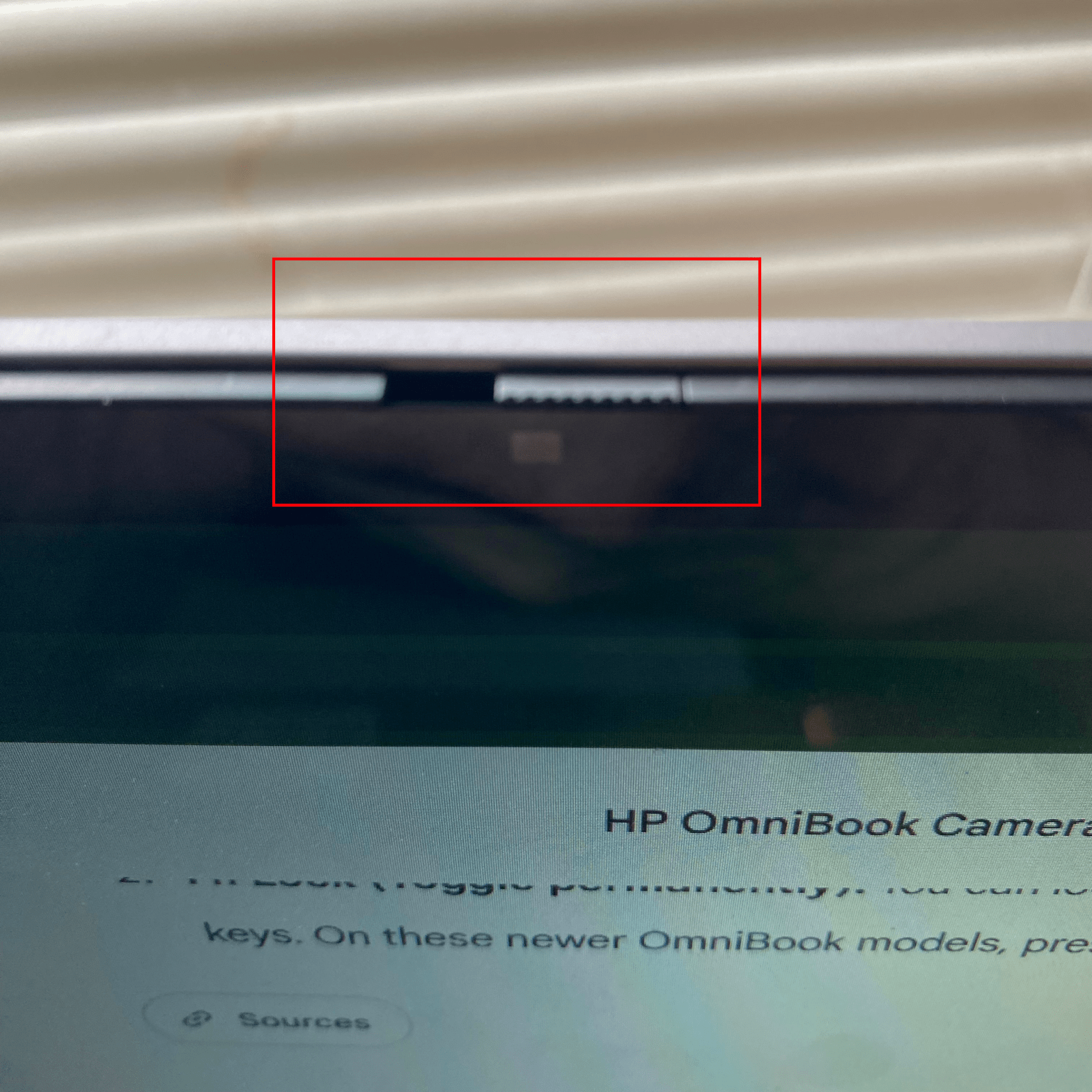
After exploring some more, including every function key combination, I found a barely visible switch.
Thanks, Google Gemini:
…there is no keyboard button to turn the camera off.
Instead, HP placed a physical privacy shutter directly at the top of the laptop screen.
Where to look and how to use it:
Look at the very top bezel (border) of your laptop screen, right where the camera lens is centered.
Directly next to or built into the glass over the lens, you will see a tiny manual sliding tab.
I slid the tab to the right, and my camera was working again.
I must have slid the shutter to the left yesterday when I transported the computer away from and back to my home.
Back when dinosaurs ruled the earth I was a technical writer at a software company. These were the days when software came with printed user guides, which I wrote.
I was NOT the de facto product marketer at this software company; the owner was. But during my tenure I observed how he marketed the evolving line of products through three distinct phases. I’m presenting these phase in the chronological order of the company, not the logical order.
Phase One: Multiple Related Products
When I joined Logic eXtension Resources (LXR), the company was transitioning from consulting work to becoming the leading software provider for users of the THEOS (formerly OASIS) operating system (Wikipedia). THEOS could be configured as a multi-user operating system that could run on (souped up) microcomputer hardware, and thus was an attractive alternative to minicomputers running UNIX.
And LXR provided the business applications: multiCALC for spreadsheets, multiWRITE for word processing, multiMAIL (which I recall nothing about), and multiPERT for project management.
Speaking of dinosaurs, this was when Lotus 1-2-3 was prominent in PC-DOS and MS-DOS circles. You may recall the key word associated with Lotus: integrated. (One prospect at a trade show asked if multiCALC was integrated—it wasn’t—but I doubt he even knew what the word meant.) But in the mind of the consumer, Lotus and the future Microsoft Office caused these seemingly disparate software packages to be regarded as a unified offering.
Google Gemini.
So the four products I mentioned were loosely related, inasmuch as all of them were business applications, and all ran on THEOS. “Hey, you know that spreadsheet you have? We have a word processor also!”
So we had customers using all four products, and I was eating my own wildebeest food and writing all my user manuals in multiWRITE.
Until I didn’t.
Phase Two: Multiple Unrelated Products
Behind the scenes, LXR shifted to the Macintosh computer for internal work, including my user manuals. We all admired the elegance of the Mac for developers and users alike.
At the same time, the owner decided to pursue his personal interest in education and launched a product that didn’t fit on THEOS and didn’t fit in the “multi” product line.
Enter LXR*TEST, an educational measurement/test generation software package for the Macintosh that created test banks of questions incorporating text and graphics. Questions from the test banks could then be incorporated into individual tests. And if you didn’t want to create your own test banks, third parties were creating test banks in LXR*TEST format.
So, how did the owner/product marketer market LXR*TEST along with all the “multi” products?
Google Gemini.
He didn’t.
The two product lines served two completely different target audiences. THEOS business prospects didn’t care a whit about test generation, and educators on Macs had no use for a THEOS word processor.
So LXR marketed separately to its target audiences, addressing their individual needs.
Phase Three: One Product
Eventually I left LXR and after a few years drifted into the wonderful world of biometrics.
I can’t remember exactly when LXR discontinued its THEOS products, but eventually it concentrated exclusively on LXR*TEST, bowing to the inevitable and releasing a Windows version to complement its Mac version.
Google Gemini.
Even after LXR was acquired, the parent company continued to offer LXR*TEST for years afterwards.
Of course this allowed LXR to devote its product marketing attention exclusively to the testing market.
Until LXR*TEST, and LXR itself, faded away.
Like several of my other employers that no longer exist in their initial form.
I intentionally waited two days to write this. Let’s pick up the story from Monday.
Monday afternoon
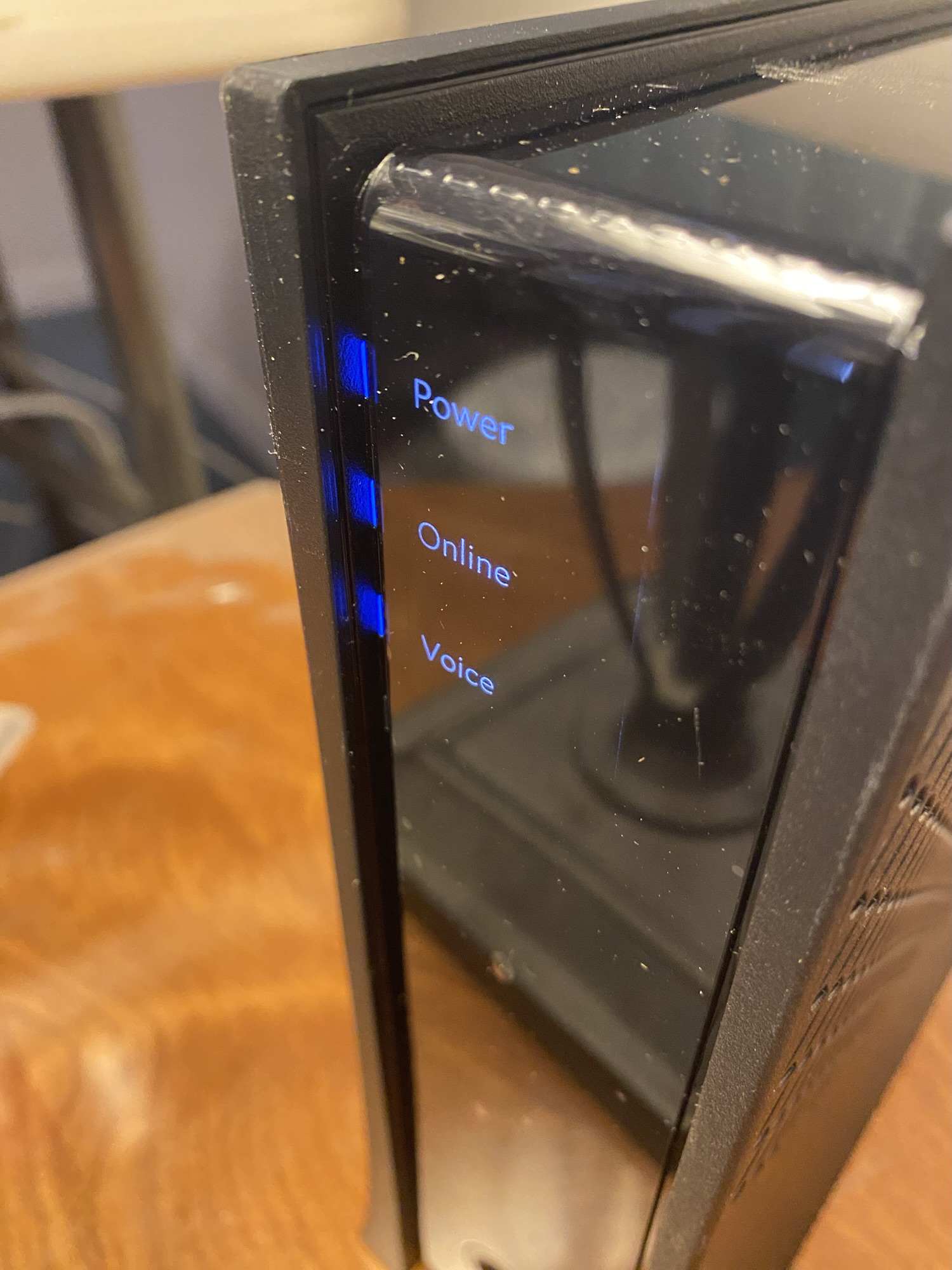
The second technician arrived at my house and ended up replacing ALL the cabling between the utility pole and the (new) modem. Among other issues, there was water in the cable. And I don’t need to be a coaxial product marketing expert to know that water in a cable is not a good thing.
Oh yeah: coaxial. Because my internet network is NOT a fiber network. It’s a hybrid network that starts as fiber, but then becomes coaxial for “the last mile.”
And this is relevant, because even after he re-cabled everything, he said there was an amplifier issue down the street. If I had been on fiber, there would be no need for a nearby amplifier.
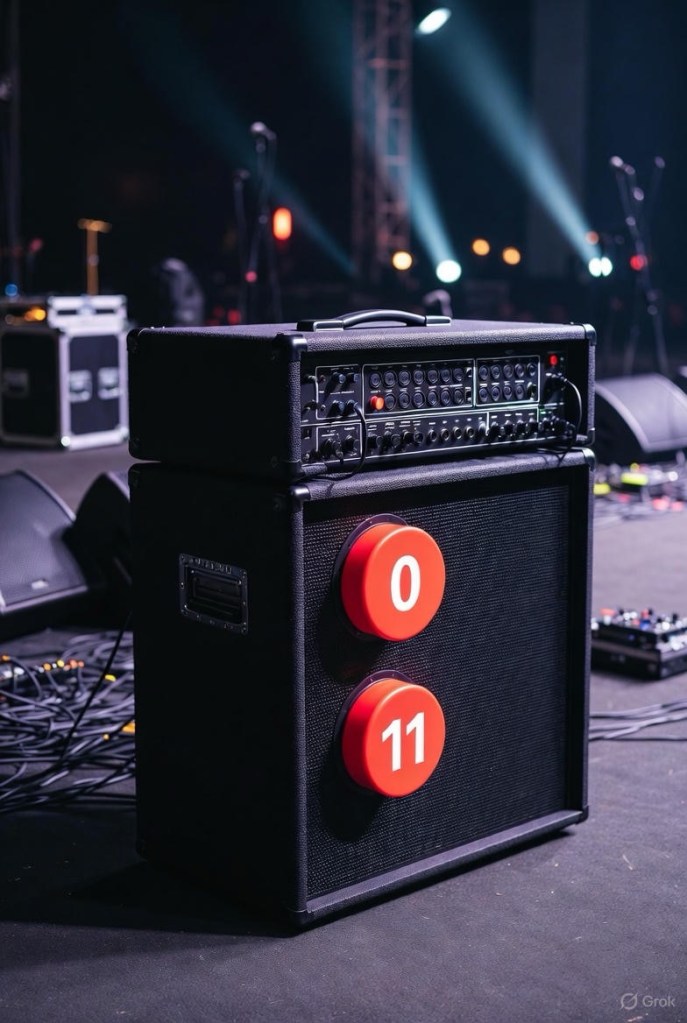
And no, he wasn’t talking about a Spinal Tap amplifier.
I prompted Google Gemini for an explanation of network amplifiers, but I’m not going to reprint it here. Suffice it to say that the ISP needed to perform some work, but it wasn’t customer-facing work, was apparently super-secret work, and I would never be informed when the work was done. I was then told that if I still had problems on Friday (4 days later) NOT to contact the ISP’s regular support line, but to instead call his boss directly.
The tech restarted the modem at 2:55 pm.
He left at 3:13 pm.
My wi-fi went down at 3:29 pm.
Tuesday
It had been a week since my wi-fi started failing, And since the second technician had left on Monday afternoon, the wi-fi hadn’t stayed up for more than 45 minutes at a time. I finally gave up trying.
Then I disobeyed instructions.
Early Tuesday morning I texted “the boss.” No answer.
Then I called the boss. No answer.
By early afternoon I contacted my ISP, but not for customer support. I called the “Retention Department.” Yeah, the department that you call to cancel your service.
The man I spoke to had no visibility into the scheduling of our local amplifier repair, but he promised someone would call me back within the hour.
A woman called me 20 minutes later. She had no visibility into the super-secret amplifier repair schedule either.
She asked if the second technician had reported the issue to maintenance or construction. I didn’t know. Turns out this is critical information; if construction had to get involved, city permits would be required before construction could even begin. Who knows how long that would take.
But she had a solution.
Send a third technician out.
Have the third technician tell me whether they would report the issue to maintenance or construction.
If it was maintenance, then the super-secret group would perform maintenance. Maybe by Friday. Maybe later.
I kept my mouth shut, but this sounded like a colossal waste of time. As you will see, it wasn’t.
After I got off the phone I made a decision. Since this problem was going to persist until the ISP fixed it—or I got a new ISP—I was going to have to work around it. So I set up a TV table in front of the love seat next to the modem, then moved my laptop to the TV table. That way if my laptop lost wi-fi I could immediately restart the modem, and hopefully my laptop soul reconnect to wi-fi and I wouldn’t lose anything.
So here’s how THAT worked out:
Tuesday afternoon 2:01 pm: Set up laptop near the modem.
2:21 pm: I lost wi-fi while submitting an online form.
2:26 pm: After a modem restart, successfully submitted the online form.
2:44 pm: I lost wi-fi while in mail.
2:50 pm: After a modem restart, I refreshed my mail tab and everything appeared.
5:30 pm: By this point I had enjoyed uninterrupted wi-fi for over two hours. I had stopped working on my laptop and was writing a Bredemarket blog post on my phone (like I am doing right now).
5:50 pm: I lost wi-fi and restarted the modem.
6:03 pm: There was an election in the city of Ontario that day, so I left the house to vote.
6:30 pm: By the time I returned, the wi-fi was down.
A pain, but I could limp along. But by that time I was done working for the night.
Me for several days. Google Gemini.
Wednesday morning
After a few modem restarts during the night, I restarted it at 7:11 am and started working at 7:29. (Incidentally, I highly recommend Toggl Track.)
I got a lot of work done until 10:00 am, when I lost wi-fi while working on a file in OneDrive.
I restarted the modem and made sure OneDrive synced, then worked merrily along until losing wi-fi at 10:22 while working on a Bredemarket client PowerPoint.
I lost wi-fi again at 10:28.
And 11:09.
And 11:26.
But by that time the third technician was on his way.
Wednesday afternoon
I was under the impression that the third technician would climb the utility pole, check the signal-to-noise ratio issue on the amplifier (but he called it a node rather than an amplifier), and go from there.
But that isn’t what he did. He brought his test equipment into the house and started running the (new) modem and (new) router signals through the test equipment.
But he had some news for me.
“The node has improved already, so someone has been here.”
So the super-secret people had completed their mission. Now what?
The technician kept testing. 20 minutes later:
“Coax looking good.”
He was mostly testing in the house, but also testing in the backyard and running to his truck. Ten minutes later:
“The signal’s good.”
Eventually I noticed that he had grabbed a new modem from his truck, but I assumed it was only for testing.
By 12:59 he had to leave for his state-mandated lunch break, but before he left he restarted the modem one more time. He said he’d check it when he returned from lunch.
So I ate lunch myself, although Bredemarket is not subject to state work break requirements.
When he returned at 2 the wi-fi was still up. That’s when he told me that he HAD replaced my new modem (which the ISP store gave me a week ago) with an even newer modem (from his truck). Apparently the connection from the utility pole to the coax cable end was fine, and the connection from the Ethernet cable end to the router was fine, but the new modem itself had issues that the even newer modem didn’t have.
He left, and the wi-fi went down…
…actually it didn’t. As I write this I have enjoyed wi-fi for over 50 hours without interruption.
I even moved my laptop back to the Bredemarket world headquarters.
And if you’ve read all the way to the end of this post, this is actually the SHORT version. Trust me.
The really short version
My summary of what happened between Tuesday March 17 and Wednesday March 25 between two ISP store visits, three technician visits, and countless support chats and calls:
2 modem replacements 3/18 (new modem), 3/25 (even newer modem).
1 router replacement 3/20 (not counting my second Google router 3/19).
2 cable replacements 3/23 (black cable from pole to southeast corner of house, white cable from there to modem in northeast corner of house).
1 apparent node fix (date unknown, maybe 3/24 or 3/25) to fix signal to noise ratio SNR issue.
And yes, this started with a modem replacement and ended (hopefully) with a modem re-replacement.
Depending upon your talents and resources, your company may choose different ways to tell critically important stories to your prospects. But how do you get there?
Early this week, one of Bredemarket’s clients expressed an urgent need for a story. My job was to figure out the concept and pass it on to a talented person inside the company who would use my concept to create the final version.
Now I had no idea what format the final story would take. An infographic? A video? Something else?
Google Gemini.
But my concept didn’t need to be in the final format. It just had to contain the concept.
For all the client cared, I could have sketched the concept out in Microsoft Excel. Which works great for storyboards, especially when the story is fluid and needs to be re-sorted.
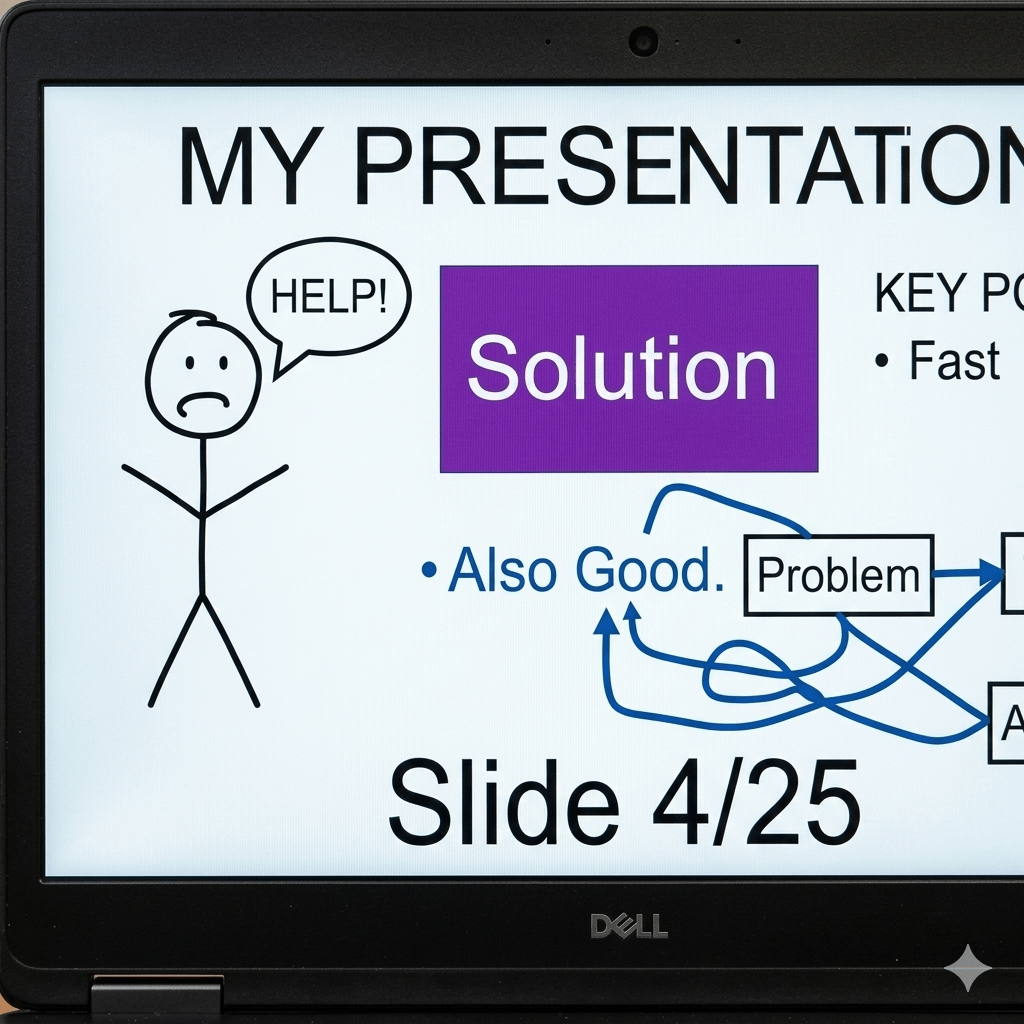
In the end, I used a different Microsoft product—PowerPoint. Not that it mattered.
Google Gemini.
When working with creative talent, you have to give them enough of your intent without constraining them. And I definitely did not constrain.
My PowerPoint used unformatted slides and default fonts.
The graphic concept that was central to the entire story consisted, in my concept, of three boxes with words in them. Later it became four boxes.
I used Google Gemini to create two subordinate concept images, but added indicators to show they should NOT be used. Even if the images were spectacular (they weren’t), we all know that my client couldn’t copyright them.
After I was supposedly done, I took one last pass through the slides and removed every unnecessary word.
I can’t share what happened after I completed the concept, but the creative talent had enough information to move forward.
And I saved my client a lot of time by performing the initial conceptual work so the client could execute immediately.
Even though the Just Walk Out system was a model of zero friction, it was also a model of zero information.
“It’s masterful, really. You just throw your purchases into your cart, and a battery of cameras record and price everything automatically.
“In reality, a battery of cameras and third world workers record and price everything semi-automatically. But I digress.
“Anyway, all your purchases are recorded and totaled, and your payment method is charged as you just walk out.
“THEN you find out how much you just spent.”
Too late?
In contrast, the lower tech Dash Cart solution—shopping carts with scanners—allows customers to “scan items as they shop, view their basket total in real time, and pay using contactless payment at the end.”
High friction because the shopper has to scan every item instead of letting “AI”—either cameras or low-paid remote employees—do the work.
But the shopper has immediate information.
Writing through the words
And I need immediate information while performing Bredemarket work.
…I currently charge $500 for the short service and $2.000 for the other. And if a particular work product falls between these two word counts, I charge accordingly.
The upshot is that I have a vested interest in knowing the number of words in my Microsoft Word documents.
I can go to the Word Count menu item and get the word count.
Or for working documents in which the seven questions (and more) are embedded in the bottom of the file…
…I just select the portion of text that contains the work product itself, go to the Word Count menu item, and get the word count of only the selection.
Or I can use fields. On a recent project, I used a Word field, NumWords, to display the word count without requiring me to go to a menu item or select anything.
There’s only one problem with using fields: NumWords is static and requires me to manually refresh the field to update the current word count.
But Microsoft Word lets you do things several different ways.
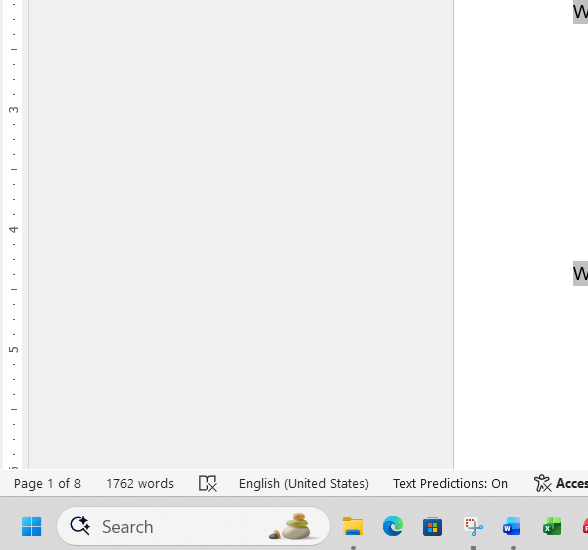
I could bypass menu items and fields altogether if I would simply remember to look in the lower left corner of my Microsoft Windows desktop app for Word, where the word count has been displayed all along.
Microsoft Word page and word counts, automatically updated.
I participate in several public and private AI communities, and one fun exercise is to take another creator’s image generation prompt, run it yourself (using the same AI tool or a different tool), and see what happens. But certain tools can yield similar results, for explicable reasons.
On Saturday morning in a private community Zayne Harbison shared his Nano Banana prompt (which I cannot share here) and the resulting output. So I ran his prompt in Nano Banana and other tools, including Microsoft Copilot and OpenAI ChatGPT.
The outputs from those two generative AI engines were remarkably similar.
But Harbison’s prompt was relatively simple. What if I provided a much more detailed prompt to both engines?
Create a realistic photograph of a coworking space in San Francisco in which coffee and hash brownies are available to the guests. A wildebeest, who is only partaking in a green bottle of sparkling water, is sitting at a laptop. A book next to the wildebeest is entitled “AI Image Generation Platforms.” There is a Grateful Dead poster on the brick wall behind the wildebeest, next to the hash brownies.
So here’s what I got from the Copilot and ChatGPT platforms.
Copilot.
ChatGPT.
For comparison, here is Google Gemini’s output for the same prompt.
Gemini.
So while there are more differences when using the more detailed prompt (see ChatGPT’s brownie placement), the Copilot and ChatGPT results still show similarities, most notably in the Grateful Dead logo and the color used in the book.
So what have we learned, Johnny? Not much, since Copilot and ChatGPT can perform many tasks other than image generation. There may be more differentiation when they perform SWOT analyses or other operations. As any good researcher would say, more funding is needed for further research.
But I will hazard two lessons learned:
More detailed prompts are better.
If the answer is critically important, submit your prompts to multiple generative AI tools.


















 Bredemarket