Writing something for a facial recognition client on fisheye lenses.
Nicole Spaun’s forensic face training (which I received as an IDEMIA employee) continues to pay dividends.

Identity/biometrics/technology marketing and writing services

Writing something for a facial recognition client on fisheye lenses.
Nicole Spaun’s forensic face training (which I received as an IDEMIA employee) continues to pay dividends.
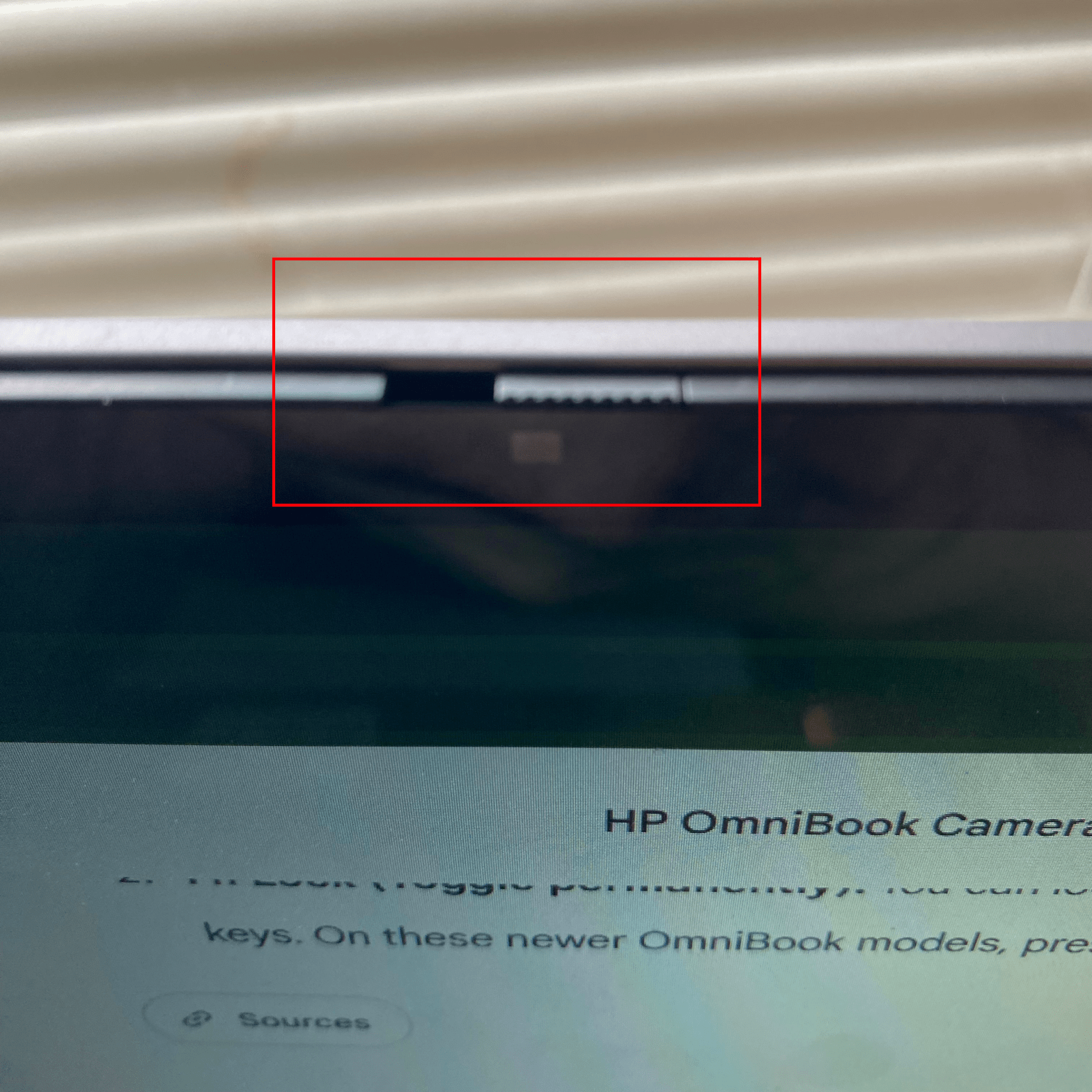
This morning I went to join my 6:00 am client / client’s client meeting and found my camera wasn’t working in Teams.
After the meeting I discovered that it wasn’t working in Google Meet either.
So I turned the computer off and turned it on again…still not working.
After exploring a bit, Windows told me that something else was using the camera…and also told me that something had turned the camera off. I assumed the latter was the correct diagnosis.
After exploring some more, including every function key combination, I found a barely visible switch.
Thanks, Google Gemini:
…there is no keyboard button to turn the camera off.
Instead, HP placed a physical privacy shutter directly at the top of the laptop screen.
Where to look and how to use it:
- Look at the very top bezel (border) of your laptop screen, right where the camera lens is centered.
- Directly next to or built into the glass over the lens, you will see a tiny manual sliding tab.
I slid the tab to the right, and my camera was working again.
I must have slid the shutter to the left yesterday when I transported the computer away from and back to my home.
Learn a new one every day…
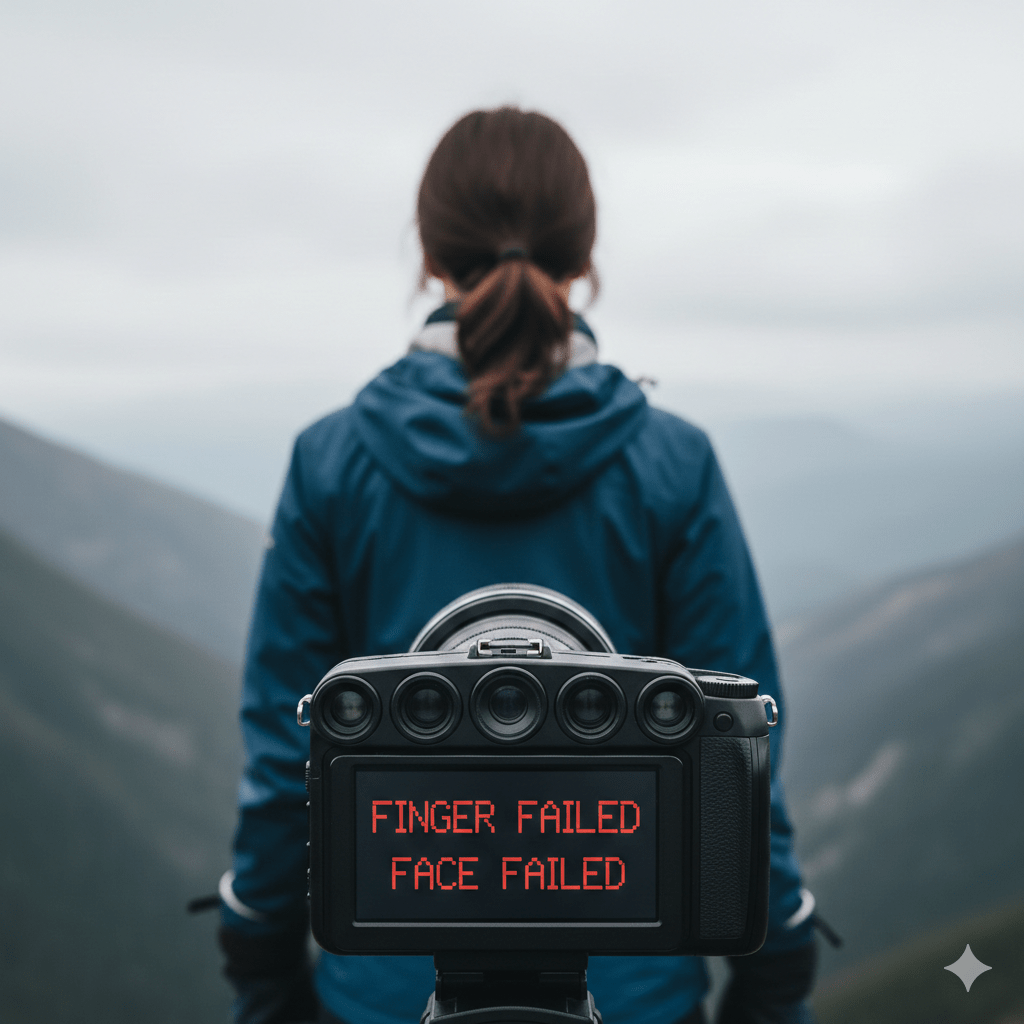
If you’re wearing gloves, a biometric system can’t capture your fingerprints.
If you’re looking away from the camera, a biometric system can’t capture your face.
These are extreme examples of “failure to acquire,” but some systems don’t even account for these cases.

We commonly believe that modern people enjoy an abundance of data that historical people did not have. While this is often true, sometimes it isn’t.
Let’s look at the images we use in facial recognition.
ISO/IEC 19794-5 (Face image data) recommends a minimum inter-eye distance of 90 pixels.
But imagine for the moment that facial recognition existed 100 years ago. Could century-old film cameras achieve the necessary resolution to process faces on adding machines or whatever?
The answer is yes. Easily.
Back in the Roaring ‘20s, photographs of course were not digital images, but were captured and stored on film. During the 1920s a new film standard, 35mm film, was starting to emerge. And if you translate the “grains” in film to modern pixels, your facial image resolution is more than sufficient.
Here is what FilmFix says:
“Thirty-five-millimeter film has a digital resolution equivalent to approximately 5.6K — a digital image size of about 5,600 × 3,620 pixels.”
Yeah, that will work—considering that the Google Gemini image illustrating this post was generated at only 1,024 x 1,024 pixels.

 Bredemarket