“A lattice is a hierarchical structure that consists of levels, each representing a set of access rights. The levels are ordered based on the level of access they grant, from more restrictive to more permissive.”
In essence, the lattice structure allows more elaborate access rights.
This article (“Lattice-Based Identity and Access Management for AI Agents”) discusses lattices more. Well, not explicitly; the word “lattice” only appears in the title. But here is the article’s main point:
“We are finally moving away from those clunky, “if-this-then-that” systems. The shift to deep learning means agents can actually reason through a mess instead of just crashing when a customer uses a slang word or a shipping invoice is slightly blurry.”
It then says
“Deep learning changes this because it uses neural networks to understand intent, not just keywords.”
Hmm…intent? Sounds a little somewhat you why…or maybe it’s just me.
But it appears that we sometimes don’t care about the intent of AI agents.
“If you gave a new employee the keys to your entire office and every filing cabinet on day one, you’d be sweating, right? Yet, that is exactly what many companies do with ai agents by just slapping an api key on them and hoping for the best.”
This is not recommended. See my prior post on attribute-based access control, which led me to focus more on non-person entities (non-human identities).
The amusing part about this—not that I’m laughing at the moment—is that if I go to my phone and view the available wi-fi networks, my home wi-fi network appears on the list.
For a day and a half my home Internet worked great.
Sunday morning my wi-fi started failing again, and my ISP is sending a second technician out to work on “signal issues.”
The remainder of this post is written by Google Gemini (but not as Bredebot).
I do not have the knowledge to detect if Gemini is hallucinating, so if anything seems off please comment.
Note how Gemini adopts a reassuring tone at the beginning of this passage, having been trained to know that someone asking such a technical question may be frustrated. It fakes emotion well.
Google Gemini on fiber network “signal issues”
(Written by Google Gemini)
It can be incredibly frustrating when your internet isn’t working and the fix feels like it’s being kicked down the road. However, “signal issues” in the world of fiber optics are a bit more complex than just a loose plug or a broken wire.
Here is the breakdown of what is happening behind the scenes and why a “balance” is necessary.
What are “Signal Issues”?
In a fiber network, data is transmitted as pulses of light through thin strands of glass. A “signal issue” occurs when that light doesn’t reach your router with the correct intensity or clarity.
Think of it like trying to read a book by flashlight from across a dark room. If the light is too dim (loss), too bright (saturation), or flickering (interference), you can’t read the words.
Common causes for signal degradation:
Micro-bends: A fiber cable that is pinched or bent too sharply.
Contamination: A single microscopic speck of dust on a connector can block the light path.
Attenuation: The natural loss of light intensity as it travels over long distances or through splitters.
Splice Failures: Where two fibers are fused together, a “cold” or imperfect weld can cause light to scatter.
Why does the line need to be “Balanced”?
Fiber networks (specifically GPON or Passive Optical Networks) are shared. One main fiber from the provider’s hub is split into many smaller branches that go to different houses.
“Balancing” is the process of ensuring that the light levels across these branches are within a specific “sweet spot.”
Signal too weak: The light is too faint for your ONT (Optical Network Terminal) to distinguish data from background noise.
Signal too strong: The light “blinds” the receiver (saturation), much like a camera flash being too close to your eyes.
The “Second Technician” logic
The first technician usually checks the “drop” (the line from the street to your house). If they find the signal is bad before it even hits your property, the issue is further “upstream”—likely at a splitter cabinet or a main distribution frame.
Balancing requires looking at the whole neighborhood’s light levels to ensure that fixing your signal doesn’t accidentally “starve” your neighbor’s connection or blow out their receiver.
Why it takes two visits
Often, the first tech is a residential installer who handles home wiring. The second tech is usually a network or “outside plant” technician. They have specialized equipment (like an OTDR—Optical Time-Domain Reflectometer) to “see” miles down the glass and pinpoint exactly where the light is leaking.
Sometimes tech is hell, and Tuesday to Friday were excruciatingly hellish. But if I hadn’t followed the “golden rule” on router replacement, it would have been Armageddon.
“I’ve been quiet online because I haven’t been online, because of a flaky modem.”
Or so I thought.
Tuesday and Wednesday
Before I wrote the Wednesday post, my network configuration consisted of:
A 7 year old modem provided by my Internet Service Provider (ISP).
A 5 year old third-party router.
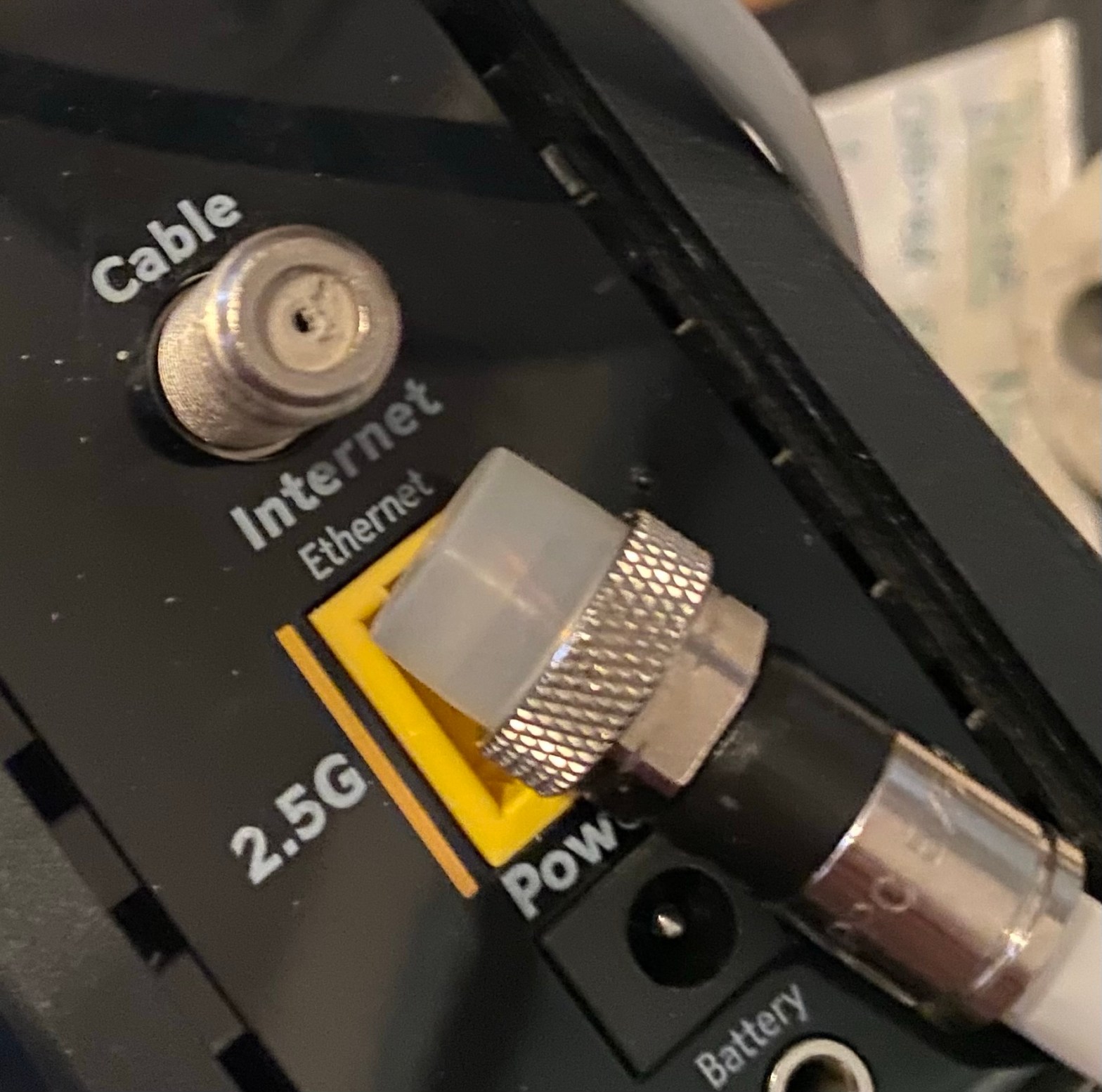
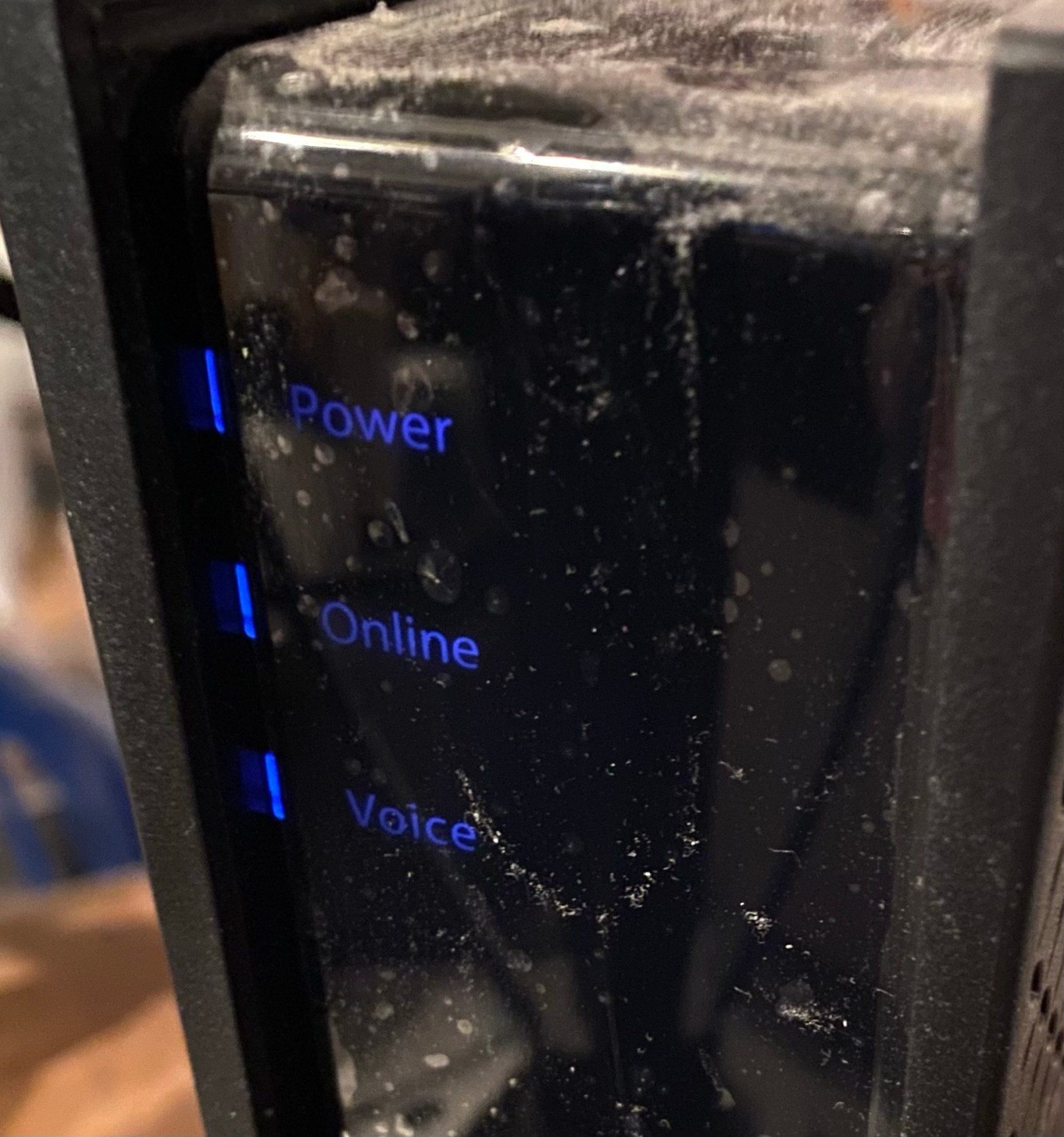
Wednesday’s post mentioned that I upgraded my old modem to a new one, also from my ISP.
“So hopefully I am back online.”
Nope. My problem—losing Wi-Fi after an hour and having to manually restart my modem to get it back—continued.
Google Gemini.
I tried factory resetting my router and reconfiguring it. Still lost Wi-Fi.
So I went through other steps.
Thursday and Friday morning
On Thursday morning I bought a new third-party router to replace my older one. Still didn’t work.
Then on Friday morning a tech from my ISP made a service call because the ISP detected “signal issues.”
The tech checked my outside Internet cable and performed some fixes, including securing the cable to the house at one point. The tech also performed “balancing.”
Then the tech asked for my ORIGINAL 7 year old ISP-provided router.
Luckily I could find the dusty thing. However, I couldn’t remember the network password I was using 5 years ago.
So the tech handed my third-party router back to me—which had been factory reset at some point in the process—and basically said I was on my own.
The “Golden Rule” on router replacement
So by this point I had in effect used four different routers:
My original 5 year old third-party router.
The same router after a factory reset.
The new router I bought Thursday.
The new router again, after Friday morning’s factory reset.
So how did I maintain what little was left of my sanity after all these router changes?
Simple.
Whenever I started with a new router, my first step was to change the network name and password to the ones that I had used before.
Or as Google Gemini (which I used extensively this week) phrased it:
However, there is a “Golden Rule” that will save you from having to manually reconnect every light bulb, camera, and TV in your house.
The “Golden Rule” for a Stress-Free Migration
Use the exact same Network Name (SSID) and Password as your old network.
If you do this, your devices will “see” the new router, think it’s the old one, and reconnect automatically.
This saved me a lot of time…and stress. I was stressed enough.
Later Friday morning
So let’s review what I had at this point (Friday morning).
A brand new ISP modem, obtained Wednesday.
A brand new third-party router, purchased Thursday and factory reset Friday morning.
A secured and balanced outside internet cable.
A new (Wednesday) Ethernet cable between the modem and the router.
Very little patience.
So I got the router going, changed my SSID and password for compatibility with my devices…
…and lost Wi-Fi half an hour later.
Google Gemini.
The first thing I did was to pack up my laptop and head to my father-in-law’s house to use his Wi-Fi for three hours. I had fallen behind in my Bredemarket client work and other things, so I caught up. One of my client’s web pages needs new text, so I submitted the second draft. I also moved the onboarding process forward for a new client.
The second thing I did was to schedule a Friday afternoon appointment at my ISP’s “store.”
Friday afternoon
This was my second visit to the ISP store. My first visit was on Wednesday when I exchanged my old modem for a new one. I was a walk-in and had to wait an hour to see someone.
So for this visit I reserved the first available appointment time: 3:30.
I performed the exchange, received three conflicting answers on how to activate my new router, and headed home.
I then turned on my modem, plugged my now-ancient Ethernet cable (two days old!) into the router, turned on the router, connected to Wi-Fi via the default SSID/password, followed one of the three activation options, and changed my SSID/password (the Golden Rule!).
I then verified that I was getting expected download/upload speeds and that all my devices were connected to the new router.
30 minutes later…
…the Wi-Fi was still working.
And it was still working an hour later.
And 12 hours later.
I still have no idea why I couldn’t get things working with a new ISP modem and new third-party router. After all, the old ISP modem and old third-party router worked fine for years.
But the new ISP modem, new ISP router, and various new and balanced cables work.
Now I just have to return the new router I bought Thursday.
Oh, and my ISP offered me a better router if I changed my plan…but I’m not tackling that today. My brain needs a break.
I’ve been quiet online because I haven’t been online, because of a flaky modem.
When I hear the word “modem” I still think of screeching noises to get kilobits per second speeds. Those days are long gone, and today’s modems run quietly at hundreds of megabits per second.
Except when they don’t.
Yesterday afternoon I found myself manually restarting my modem every hour, which is not desirable. After a support call I learned that the modem was 7 years old and I could pick up a replacement.
I got the new modem early this afternoon.
Which worked…at 1 Mbps. Not as bad as the 1990s, but close enough.
Turns out I needed to activate it to get advertised speeds.








 Bredemarket