“Hi, your technician Chris…from…is on the way to….Chis [sic] is a skilled HVAC technician who takes pride in providing reliable service and honest solutions. He’s known for his friendly approach and putting customer comfort first on every job. Call our office for any questions…”
But unlike my ISP, I don’t get a cool map showing me where Chris’ truck is.
United States passport applications may soon become easier, allowing you to do nearly everything online. Even the passport photo, saving you a trip to a location where someone or some machine wilk take the passport photo for you.
“Now, beyond that I would say that we are also looking at some technological changes, which we’ll be more fully able to announce over the coming months, where it’s going to be a lot easier to get a passport in terms of the dynamics of it. You’ll actually be able to go online. You’ll be able to do almost all of it entirely online. One of the questions we had was most of the devices that people are using, be it a laptop or a standing computer or what have you, where you would fill out this application, they have cameras on them. I know, it’s shocking. But they have cameras. They have videos that people use.
“You should be able to take that picture on that device as opposed to going somewhere. Now, the CVS people, of course, hate this, and the Walgreens and all those other places. (Laughter.) But you’ll be able to take your picture from that device and be able to have it in real time, through our security system, verify the facial ID. And it just saves you a lot of – you don’t have to go down somewhere now and get a head shot and get the little pictures that you have to cut and then submit three passport pictures. You’ll be able to do that. You’ll be able to do it online entirely, for the most part, with all the right numbers. They’ll be able to verify it for you, and you should be able to get it much sooner.
“So we’re going to make it a much more customer-friendly – we’re not ready to do that yet, but that’s really what we want to be able to do. (Applause.) And it should cut down on the long waits, the long lines, the appointments, the making – some people may still decide to do it that way, but this way will be available to people. And we look forward to, like, really rolling that out in a few months when it’s ready.”
Secretary Rubio didn’t go into the technical details of how they will ensure ICAO compliance for smartphone photos. What about the lighting? What about the inter-eye distance? What if I smile?
After all, smartphone photos are by definition “unconstrained,” unlike the photos you get at your friendly neighborhood CVS Pharmacy.
Smartphone games are not games. They are ad delivery devices. You start the app, and you see ads for other apps. You download the new apps, and the cycle continues endlessly.
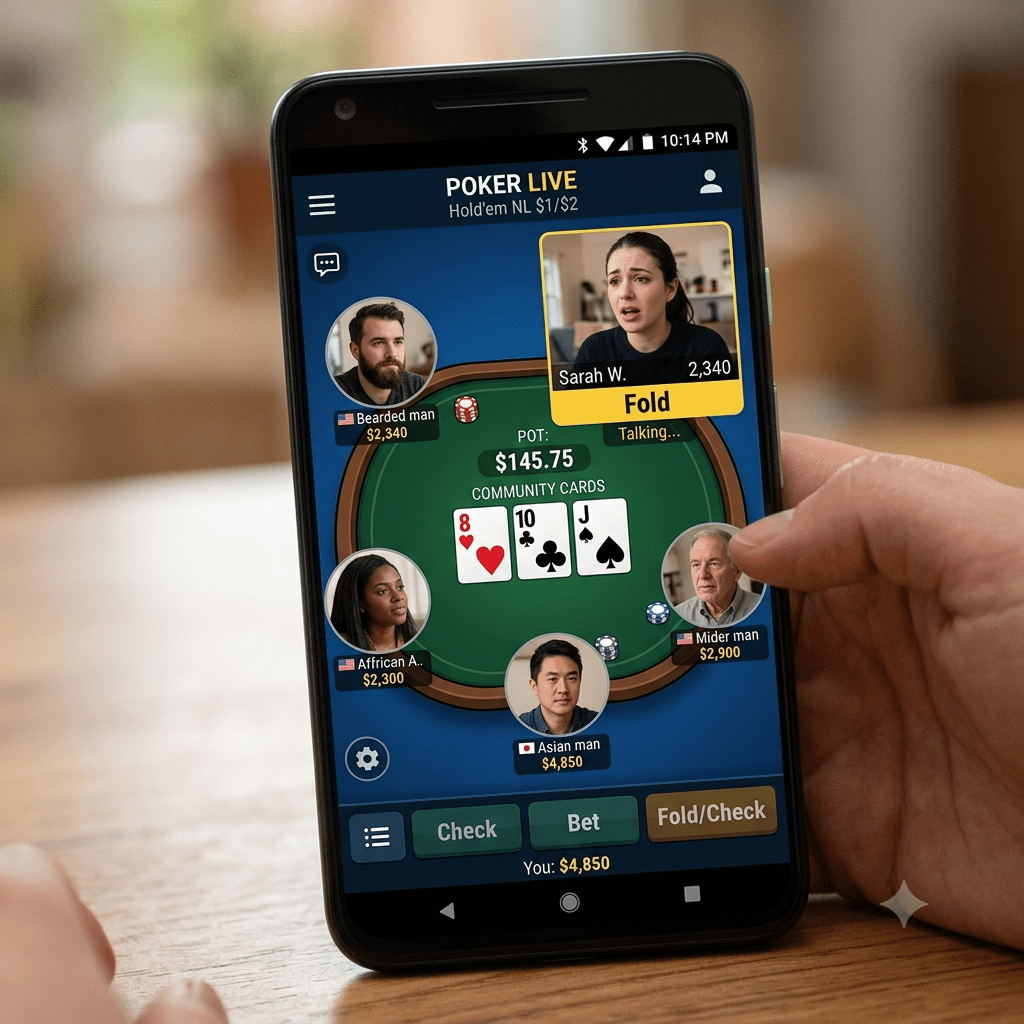
So I was playing a Bitcoin-earning game (actually a Satoshi-earning game; don’t count on earning 1 Bitcoin in an hour’s worth of play) when I saw an ad for a poker game app. An update of the Yahoo! Poker games from long ago, the app screen shows five faces surrounding a poker table. Except these are not still images, but video with audio sound.
So I am watching the ad when one of the players says:
“Life is too long for bad poker hands.”
Read that again.
Life is too long?
Shouldn’t the player be saying that life is too short? The statement makes no sense the way it was said.
But sometimes a turned-around, wrongly-worded phrase is illuminating. Take the time that John F. Kennedy intentionally reversed a phrase to joke about our nation’s capital:
“Washington is a city of Southern efficiency and Northern charm.”
Apple and Google (and probably Samsung) defend their lockdown of their app stores (and the resulting 15-30% or so cut they receive from app revenue) by saying that their “App Store” and “Google Play Store” provide safety to users. Would you want to risk your phone by downloading from sleazy sources, or would you prefer to get your apps from the name that you trust?
If that were true, I wouldn’t have to clean a particular person’s phone every once in a while because he downloaded an app from one of those stores, which then proceeded to download a bunch of other apps.
But on the other hand, there are sometimes legitimate reasons to “sideload” Android apps (Android Package Kits, or APKs) from alternative sources. Maybe the app is one that shouldn’t be accessed by run-on-the-mill consumers, so therefore an alternative distribution mechanism is needed. I could name some examples, but if I named them I’d have to kill you.
But as Lifewire notes, you have to take a few extra steps to allow downloads from outside the App Store and Google Play Store.
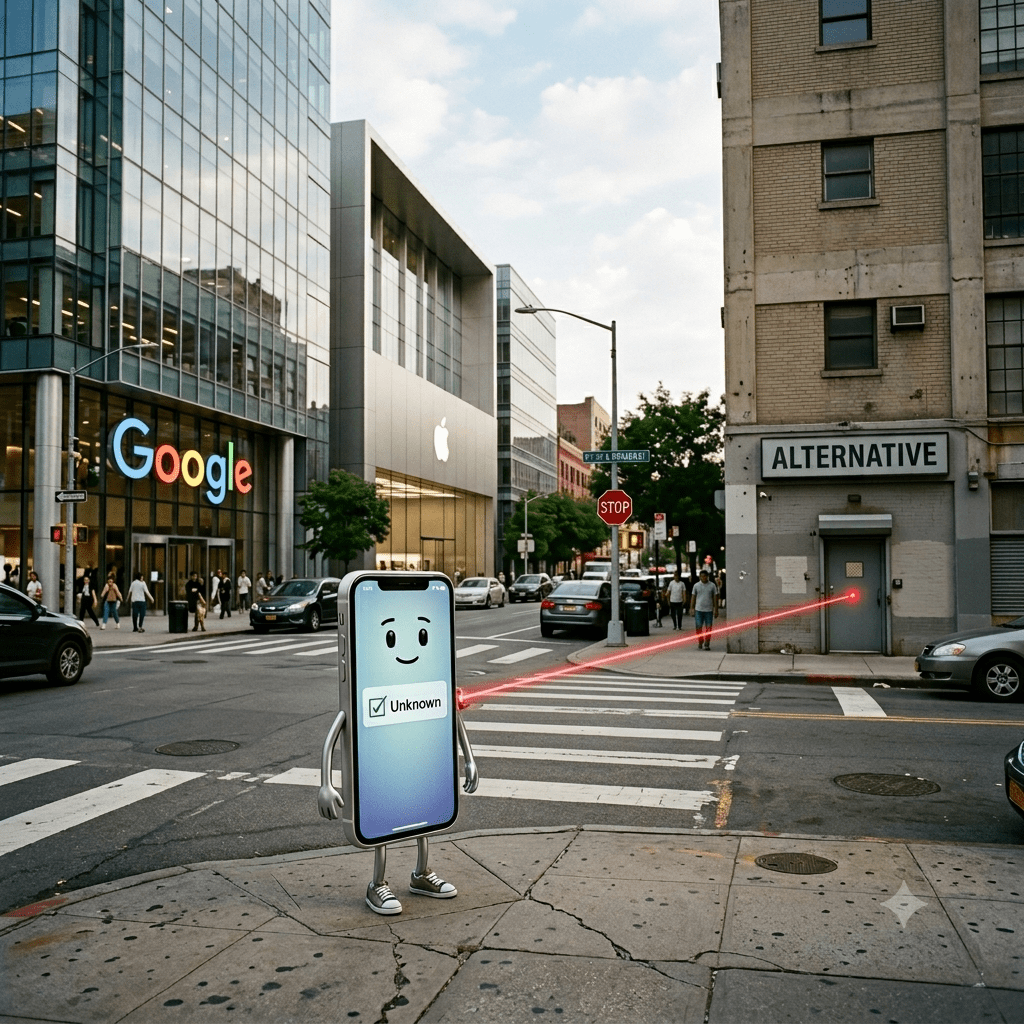
The biggest step, of course, is to allow the download of “unknown” apps from non-Apple/Google sources. Needless to say, you should only download apps from a site that you trust. No, not mikrosofft.com.
Open the Settings app and tap Apps or Apps & Notifications.
Tap the three dots in the upper-right corner. If you don’t see that, skip down to the next step.
Tap Special access, or Special app access on some Android devices.
Tap Install unknown apps.
Tap Chrome (or whichever web browser you use).
Switch the toggle next to Allow from this source so it turns on.
I have an old iPhone with a Lightning charger port. I can’t buy this today in the European Union. (Or anywhere, but we’ll get to that.) Why? Because of the EU’s Common Charger Directive.
“Because the EU has standardised charging ports for mobile phones and other portable electronic devices, all new devices sold in the EU must now support USB-C charging.”
Which devices?
“From 28 December 2024, the rules apply to mobile phones, tablets, digital cameras, headphones, headsets, videogame consoles, portable speakers, e-readers, keyboards, mice, portable navigation systemsand earbuds sold in the EU.”
So all of this went into effect in 2024?
Um, no.
Laptops
Because there is one additional requirement.
“From 28 April 2026, they will also apply to laptops.”
(Sorry, desktop computer users. You may still have old style power connections.)
Google Gemini.
For the record, Bredemarket’s U.S. purchased laptop already has a USB-C charging port. Because when the manufacturers were forced to implement this for Europe, it was easier to do it for the rest of the world.
So everyone is happy and enjoying the EU’s listed benefits of consumer convenience, e-waste reduction, and cost savings.
Yes, everyone is happy…for now.
The future
But what happens when wireless charging supports up to 240W? Then you get some REAL cost savings, because manufacturers—especially of small devices—can reduce cost by eliminating charging ports altogether.
Well, except in the EU, where charging mechanisms other than USB-C are illegal. Not just illegal to market: illegal to even sell in the first place.
It’s not that big a deal to throw a USB-C port on to a laptop, which has several ports already.
But a phone?
Even my older iPhone has reduced the number of ports down to one. (Separate headphone jacks disappeared years ago.)
Imagine if Apple, Samsung, and everyone else could sell smartphones with ZERO ports. Not only does this reduce cost, but it helps to preserve the integrity of the device.
And the phone manufacturers will take advantage of this in Asia, the Americas, and Africa.
Google Gemini.
While still maintaining the government-mandated (and more expensive) USB-C versions in Europe.
Because once a government mandates something, it’s nearly impossible to change.
I remember the first time I saw someone talking to himself.
I was working in Motorola’s Anaheim office at the time. For those of you who remember the “triangle” office, I was walking down the hall from the factory floor to the lunchroom. And there was someone I didn’t recognize walking the other way down the hall, talking to himself.
Or at least it looked like it.
In reality, he had an earpiece in his ear which could also pick up his voice, and he was talking on his phone. The phone was presumably tucked away in a pocket and couldn’t be seen, so if you didn’t see the earpiece, you’d assume that he was talking to himself.
This was probably in the middle of my time at Motorola (2000-2009), and smartphones hadn’t really taken off yet. Perhaps the guy was using a smartphone, but my guess is that he had a good old flip phone.
If he had a smartphone, he’d be looking at it.
While I happen to be typing this post on a laptop, I just as easily could have typed it on my smartphone. Those devices are so prominent today.
“Right now, mobile phones are the main hub of our personal device ecosystem. But as AI integrates into glasses, rings, headphones, and portable form factors, we could see our very own handsets step off center stage, and these wearable devices take their place.”
ZDNET’s assertion appears in article about Qualcomm, a leading manufacturer of the chips that drive these newer wearable devices. These new chips offer greater computing (seven times faster), less power demand, and therefore longer battery life (coupled with the ability to charge up to 50% in 10 minutes).
With these more powerful wearables, ZDNET anticipates that the wearables will become less of a smartphone accessory and more of a smartphone replacement.
But if the smartphones go away, then my future blog posts will be written as I walk down the hall.
If I were alive in 1954, I would understand why I would need a movie to figure this “dialing” thing out.
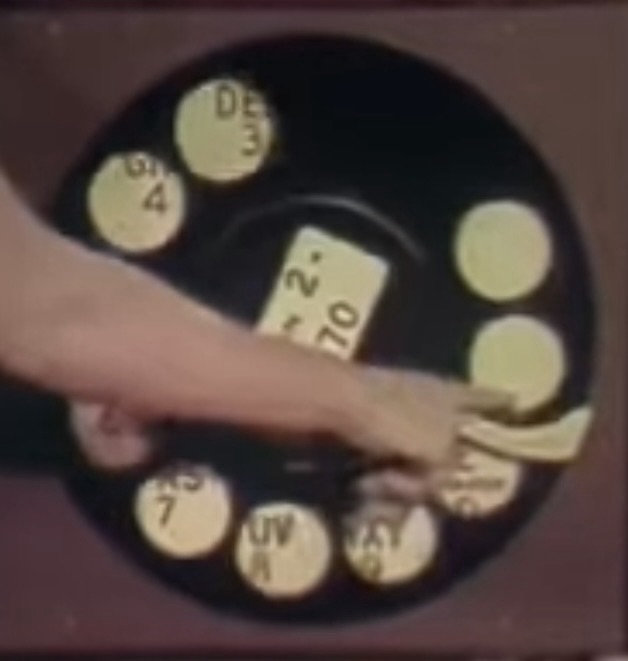
The movie from “the telephone company” emphasizes that you MUST bring your finger all the way to the finger stop when dialing the two letters and five numbers to talk to another person on the phone.
A model showing the finger stop.
Here’s the movie.
How to dial your phone, 1954.
Was this truly an improvement over the old system, in which you simply spoke the number to your friendly operator?
With some of those 100 million users dialing phone numbers WITHOUT worrying about the finger stop, as touch tone phones were introduced in 1963, supported by a new underlying technology dual-tone multi-frequency (DTMF).
And…well, a lot of other stuff happened.
In 2026 some of us don’t dial at all. We just say “Call Mom” to our non-human “operator” on our smartphones.









 Bredemarket