
Also see parts one, two, and three.
I intentionally waited two days to write this. Let’s pick up the story from Monday.
Monday afternoon
The second technician arrived at my house and ended up replacing ALL the cabling between the utility pole and the (new) modem. Among other issues, there was water in the cable. And I don’t need to be a coaxial product marketing expert to know that water in a cable is not a good thing.
Oh yeah: coaxial. Because my internet network is NOT a fiber network. It’s a hybrid network that starts as fiber, but then becomes coaxial for “the last mile.”
And this is relevant, because even after he re-cabled everything, he said there was an amplifier issue down the street. If I had been on fiber, there would be no need for a nearby amplifier.
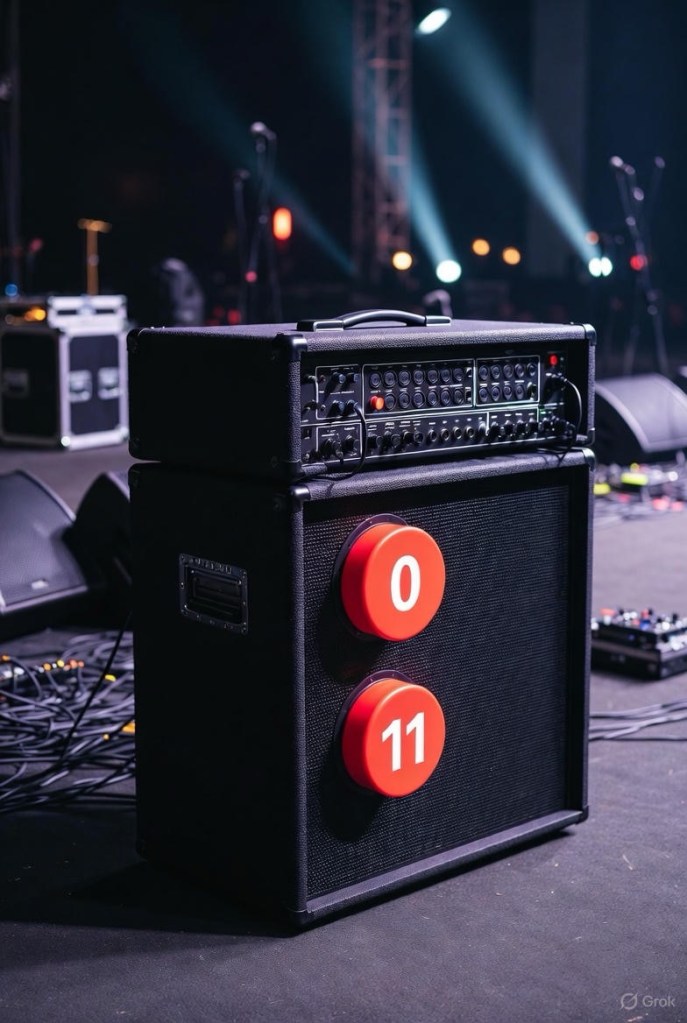
And no, he wasn’t talking about a Spinal Tap amplifier.
I prompted Google Gemini for an explanation of network amplifiers, but I’m not going to reprint it here. Suffice it to say that the ISP needed to perform some work, but it wasn’t customer-facing work, was apparently super-secret work, and I would never be informed when the work was done. I was then told that if I still had problems on Friday (4 days later) NOT to contact the ISP’s regular support line, but to instead call his boss directly.
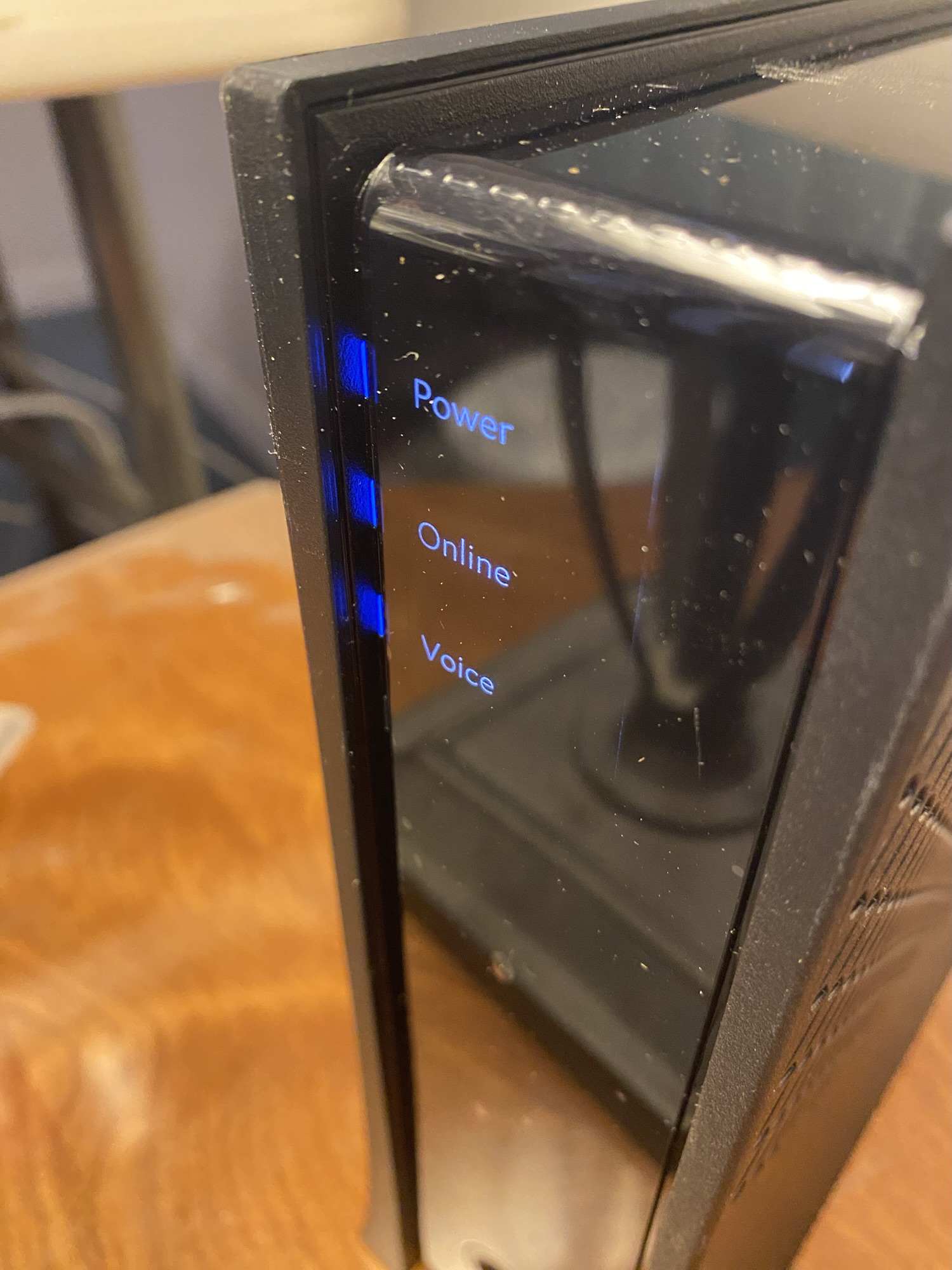
The tech restarted the modem at 2:55 pm.
He left at 3:13 pm.
My wi-fi went down at 3:29 pm.
Tuesday
It had been a week since my wi-fi started failing, And since the second technician had left on Monday afternoon, the wi-fi hadn’t stayed up for more than 45 minutes at a time. I finally gave up trying.
Then I disobeyed instructions.
- Early Tuesday morning I texted “the boss.” No answer.
- Then I called the boss. No answer.
- By early afternoon I contacted my ISP, but not for customer support. I called the “Retention Department.” Yeah, the department that you call to cancel your service.
The man I spoke to had no visibility into the scheduling of our local amplifier repair, but he promised someone would call me back within the hour.
A woman called me 20 minutes later. She had no visibility into the super-secret amplifier repair schedule either.
She asked if the second technician had reported the issue to maintenance or construction. I didn’t know. Turns out this is critical information; if construction had to get involved, city permits would be required before construction could even begin. Who knows how long that would take.
But she had a solution.
- Send a third technician out.
- Have the third technician tell me whether they would report the issue to maintenance or construction.
- If it was maintenance, then the super-secret group would perform maintenance. Maybe by Friday. Maybe later.
I kept my mouth shut, but this sounded like a colossal waste of time. As you will see, it wasn’t.
After I got off the phone I made a decision. Since this problem was going to persist until the ISP fixed it—or I got a new ISP—I was going to have to work around it. So I set up a TV table in front of the love seat next to the modem, then moved my laptop to the TV table. That way if my laptop lost wi-fi I could immediately restart the modem, and hopefully my laptop soul reconnect to wi-fi and I wouldn’t lose anything.
So here’s how THAT worked out:
- Tuesday afternoon 2:01 pm: Set up laptop near the modem.
- 2:21 pm: I lost wi-fi while submitting an online form.
- 2:26 pm: After a modem restart, successfully submitted the online form.
- 2:44 pm: I lost wi-fi while in mail.
- 2:50 pm: After a modem restart, I refreshed my mail tab and everything appeared.
- 5:30 pm: By this point I had enjoyed uninterrupted wi-fi for over two hours. I had stopped working on my laptop and was writing a Bredemarket blog post on my phone (like I am doing right now).
- 5:50 pm: I lost wi-fi and restarted the modem.
- 6:03 pm: There was an election in the city of Ontario that day, so I left the house to vote.
- 6:30 pm: By the time I returned, the wi-fi was down.
A pain, but I could limp along. But by that time I was done working for the night.

Wednesday morning
After a few modem restarts during the night, I restarted it at 7:11 am and started working at 7:29. (Incidentally, I highly recommend Toggl Track.)
I got a lot of work done until 10:00 am, when I lost wi-fi while working on a file in OneDrive.
I restarted the modem and made sure OneDrive synced, then worked merrily along until losing wi-fi at 10:22 while working on a Bredemarket client PowerPoint.
I lost wi-fi again at 10:28.
And 11:09.
And 11:26.
But by that time the third technician was on his way.
Wednesday afternoon
I was under the impression that the third technician would climb the utility pole, check the signal-to-noise ratio issue on the amplifier (but he called it a node rather than an amplifier), and go from there.
But that isn’t what he did. He brought his test equipment into the house and started running the (new) modem and (new) router signals through the test equipment.
But he had some news for me.
“The node has improved already, so someone has been here.”
So the super-secret people had completed their mission. Now what?
The technician kept testing. 20 minutes later:
“Coax looking good.”
He was mostly testing in the house, but also testing in the backyard and running to his truck. Ten minutes later:
“The signal’s good.”
Eventually I noticed that he had grabbed a new modem from his truck, but I assumed it was only for testing.
By 12:59 he had to leave for his state-mandated lunch break, but before he left he restarted the modem one more time. He said he’d check it when he returned from lunch.
So I ate lunch myself, although Bredemarket is not subject to state work break requirements.
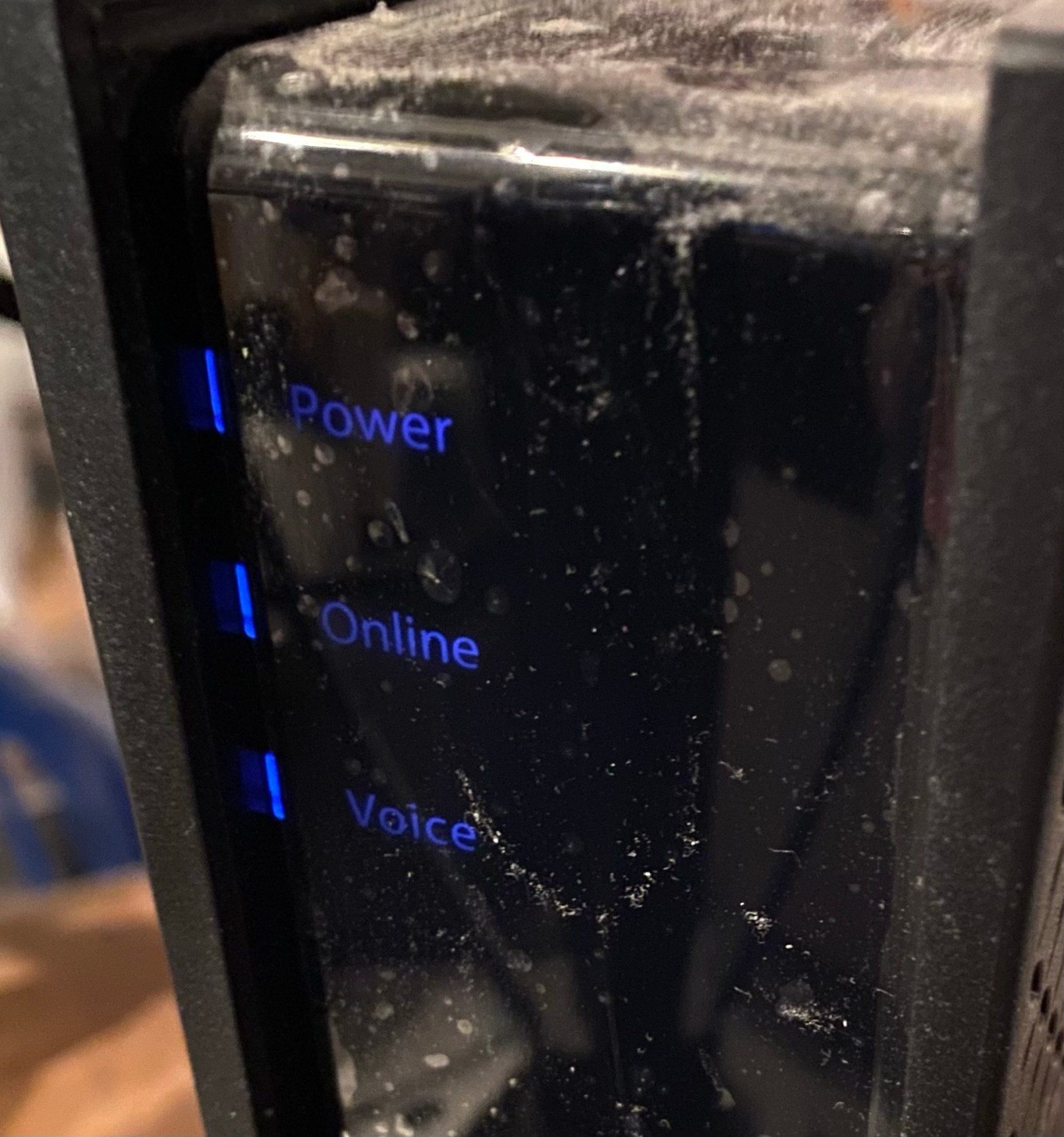
When he returned at 2 the wi-fi was still up. That’s when he told me that he HAD replaced my new modem (which the ISP store gave me a week ago) with an even newer modem (from his truck). Apparently the connection from the utility pole to the coax cable end was fine, and the connection from the Ethernet cable end to the router was fine, but the new modem itself had issues that the even newer modem didn’t have.
He left, and the wi-fi went down…
…actually it didn’t. As I write this I have enjoyed wi-fi for over 50 hours without interruption.
I even moved my laptop back to the Bredemarket world headquarters.
And if you’ve read all the way to the end of this post, this is actually the SHORT version. Trust me.
The really short version
My summary of what happened between Tuesday March 17 and Wednesday March 25 between two ISP store visits, three technician visits, and countless support chats and calls:
- 2 modem replacements 3/18 (new modem), 3/25 (even newer modem).
- 1 router replacement 3/20 (not counting my second Google router 3/19).
- 2 cable replacements 3/23 (black cable from pole to southeast corner of house, white cable from there to modem in northeast corner of house).
- 1 apparent node fix (date unknown, maybe 3/24 or 3/25) to fix signal to noise ratio SNR issue.
And yes, this started with a modem replacement and ended (hopefully) with a modem re-replacement.






 Bredemarket