I’ve previously noted that one possible sign of a scammer is when they don’t initiate a LinkedIn connection to you, but instead want you to initiate a LinkedIn connection to them. When a scammer is scamming, they can’t blow through a few thousand connection requests every day, so it’s better if the victims initiate the connection request themselves.
I immediately thought of this when I received an email from a Gmail account to one of my odd accounts entitled “Thinking of connecting.”
Um…why not just do it?
Here’s the text with the scammer’s alleged name changed:
“I saw your profile on LinkedIn and wanted to say hello. I’m Melania.
“I’ve always been interested in learning about different professional paths. This is just a friendly intro for the start of the week—no expectations on my end.”
Obviously I didn’t respond. Because I have no idea who the Gmail account holder REALLY is.
A day later, I received a second message that included the following:
“Things are actually pretty smooth and manageable on my end as the Operations Manager at Estée Lauder, so I’ve had some extra time to catch up with my network. I’d love to hear how your side of the world is treating you whenever you have a moment.”
Again, I didn’t respond. I didn’t even ask for “Melania’s” Estee Lauder email address (again, the emails are from a Gmail account).
Then we got to day three. Remember how Melania said she had viewed my LinkedIn profile? This was the next question she asked:
“Is it snowing where you are?”
Obviously she hadn’t read anything, and I was getting bored, so I blocked her from all email addresses.
Of all the KYx acronyms (Know Your Customer, Know Your Business, etc.), two that interest LinkedIn users are Know Your Employer and Know Your Employee. How do you fight fraudulent employers and employees? And how do your prospects learn about your fraud fighting?
“A recent development is scammers using the name of legitimate companies that are hiring and approaching their victims through LinkedIn’s direct messaging feature. They then create counterfeit websites that look like the websites of the legitimate companies they are posing as and ask the job seekers for personal information…”
And you can guess what happens with that personal information. It doesn’t land you a real job, that’s for sure.
In addition to the tips that Scamicide provides, I have an additional one. BEFORE you provide your resume, before you send them a connection request, or definitely before you engage on Telegram or WhatsApp, ask this question:
“Can you provide me with your corporate email address?”
This usually shuts scammers up very quickly.
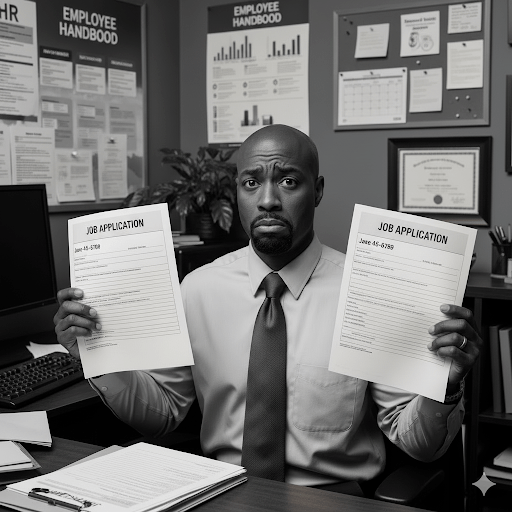
But don’t forget that while job applicants are avoiding fraudulent employers, legitimate employers are avoiding fraudulent applicants…perhaps from North Korea.
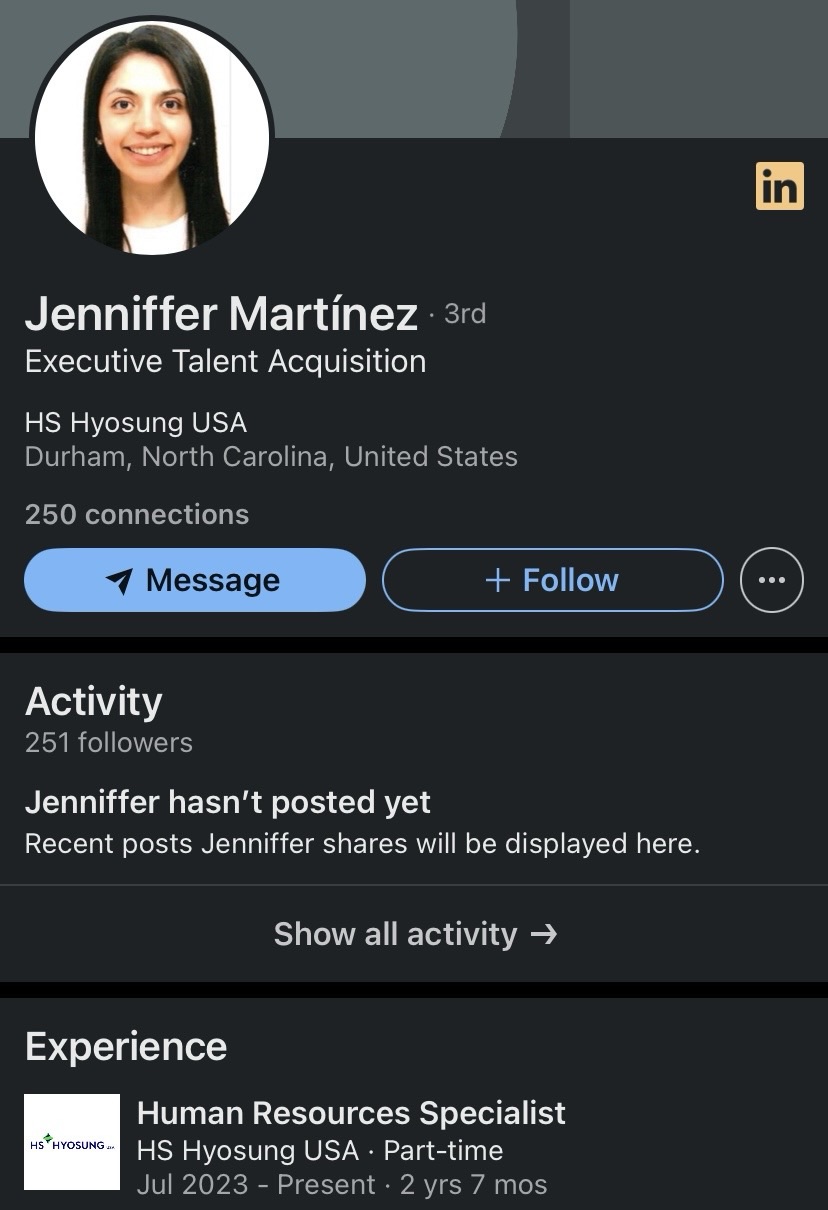
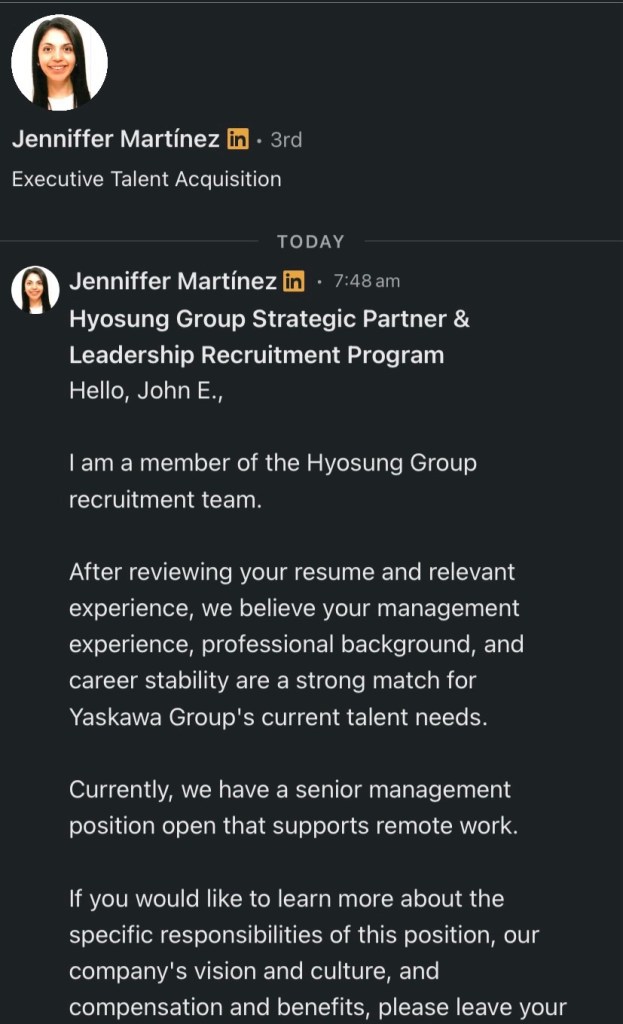
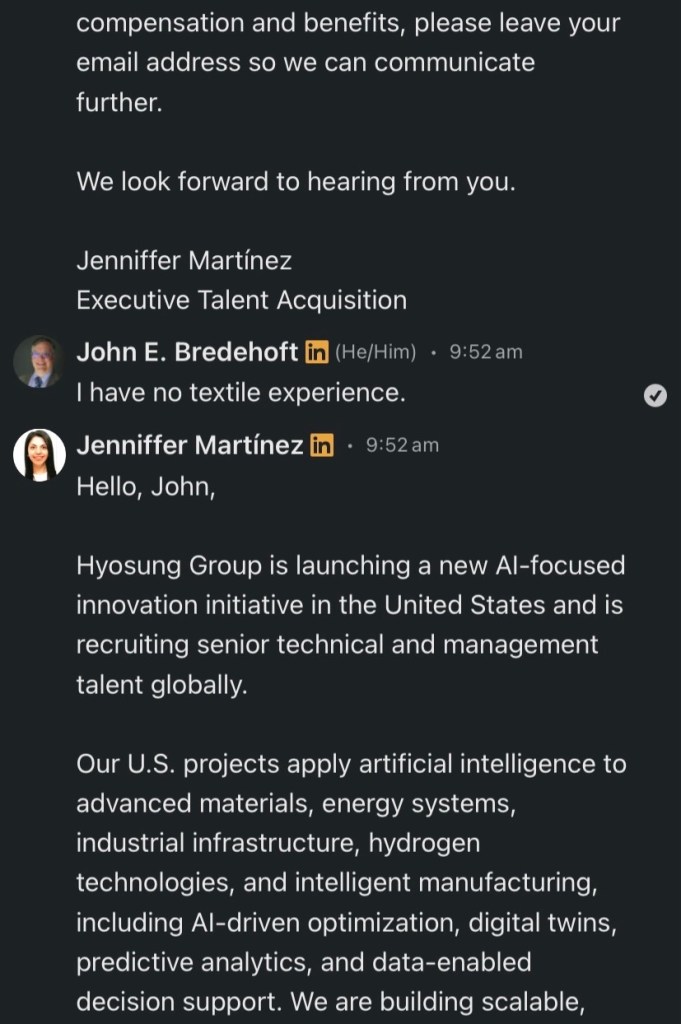
I was messaged on LinkedIn by Jenniffer Martinez, purportedly from HS Hyosung USA. She wanted my email address to send information about a job opportunity.
Why?
“After reviewing your resume and relevant experience, we believe your management experience, professional background, and career stability are a strong match for Yaskawa Group’s current talent needs.”
(Only now did I notice the reference to Yaskawa Group, whatever it is.)
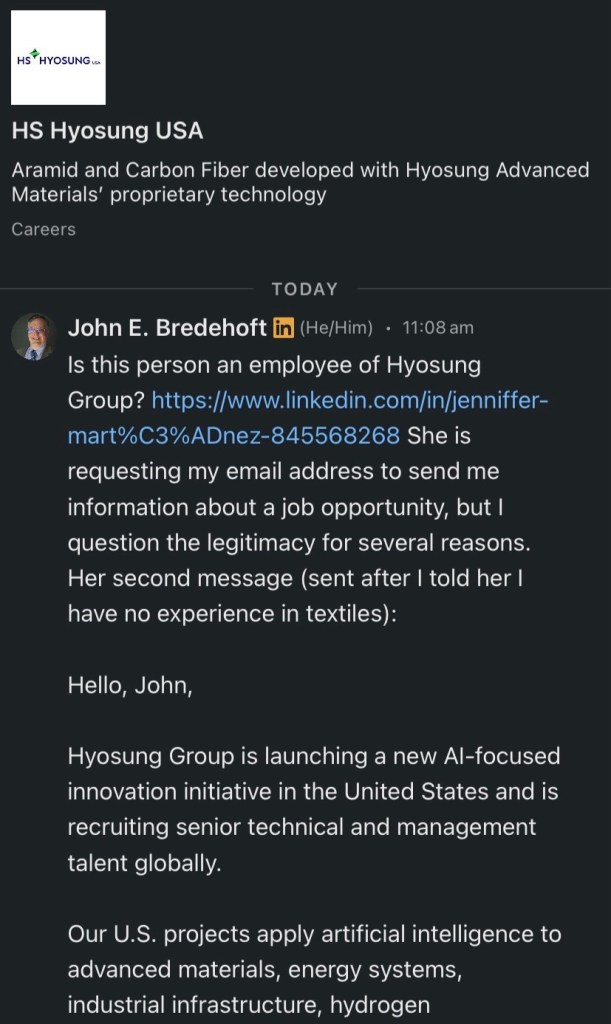
Eventually I told “Jenniffer” that I had contacted her employer directly.
By 11:30 she had deleted her entire conversation, which is why I took screen shots immediately.
And I never even got around to asking her for HER corporate email address.
No word from HS Hyosung USA, but it knows all about Jenniffer now (see final screen shot).
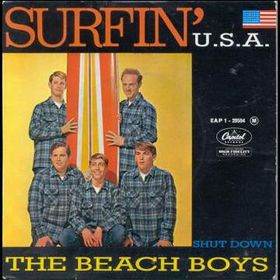
Imagine if Capitol Records employed age verification in 1963.
Some musicians reach superstardom in their early 20s, feeling tremendous pressure at a young age.
But sometimes they’re younger: when “Surfin’ U.S.A.” hit number 3 on Billboard and Cash Box, surf guitarists Carl Wilson and (soon to depart) David Marks were 16 and 14, respectively.
Of course, Capitol Records would face a bigger problem—Know Your Composer. Brian Wilson did not write the song alone.
In reality, job applicant deepfake detection is (so far) unable to determine who the fraudster really is, but it can determine who the fraudster is NOT.
Something to remember when hiring people for sensitive positions. You don’t want to unknowingly hire a North Korean spy.
Who can provide remote supervised identity proofing?
“NextgenID Trusted Services Solution provides Supervised Remote Identity Proofing identity stations to collect, review, validate, proof, and package IAL-3 identity evidence and enrollment data for CSPs operating at IAL-3.”
And there are others who can provide the equivalent of IAL3, as we will see later.
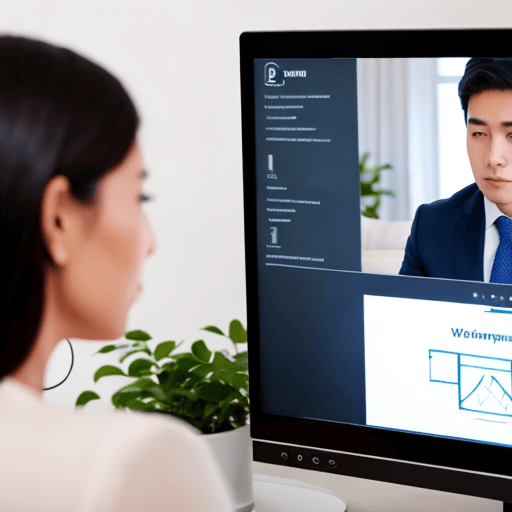
How do you supervise a remote identity proofing session?
“The camera(s) a CSP [Credential Service Provider] employs to monitor the actions taken by a remote applicant during the identity proofing session should be positioned in such a way that the upper body, hands, and face of the applicant are visible at all times.”
But that doesn’t matter with me now. What matters to me is WHEN we need remote identity proofing sessions.
Governments aren’t the only entities that need to definitively know identities in critically important situations.
What about banks and other financial institutions, which are required by law to know their customers?
Now it’s one thing when one of my Bredemarket clients used to pay me by paper check. Rather than go to the bank and deposit it in person at a teller window (in person) or at an ATM (remote supervised), I would deposit the check with my smartphone app (remote unsupervised).
Now the bank assumed a level of risk by doing this, especially since the deposited check would not be in the bank’s physical possession after the deposit was completed.
But guess what? The risk was acceptable for my transactions. I’m disclosing Bredemarket company secrets, but that client never wrote me a million dollar check. Actually, none of my clients has ever written me a million dollar check. (Perhaps I should raise my rates. It’s been a while. If I charge an hourly rate of $100,000, I will get those million dollar checks!)
So how do financial institutions implement the two types of IAL3?
“If you need to initiate a funds transfer payment, an authorized signer for your account may also initiate funds (wire) transfers at any Chase branch.”
Note the use of the word “may.” However, if you don’t want to go to a branch to make a wire transfer, you have to set up an alternate method in advance.
Remote supervised
What about remote supervised transactions at financial institutions, where you are not physically present, but someone at the bank remotely sees you and everything you do? Every breath you take? And every move you make? Etcetera.
It turns out that the identity verification providers support video sessions between businesses (such as banks) and their customers. For example, Incode’s Developer Hub includes several references to a video conference capability.
To my knowledge, Incode has not publicly stated whether any of its financial identity customers are employing this video conference capability, but it’s certainly possible. And when done correctly, this can support the IAL3 specifications.
Why to use IAL3 for financial transactions
For high-risk transactions such as ones with high value and ones with particular countries, IAL3 protects both the financial institutions and their customers. It lessens the fraud risk and the possible harm to both parties.
Some customers may see IAL3 as an unnecessary bureaucratic hurdle…but they would feel differently if THEY were the ones getting ripped off.
This is why both financial institutions and identity verification vendors need to explain the benefits of IAL3 procedures for riskier transactions. And do it in such a way that the end customers DEMAND IAL3.
To create the content to influence customer perception, you need to answer the critically important questions, including why, how, and benefits. (There are others.)
And if your firm needs help creating that content, Underdog is here.
Visit https://bredemarket.com/mark/ and schedule a time to talk to me—for free. I won’t remotely verify your identity during our videoconference, but I will help you plan the content your firm needs.
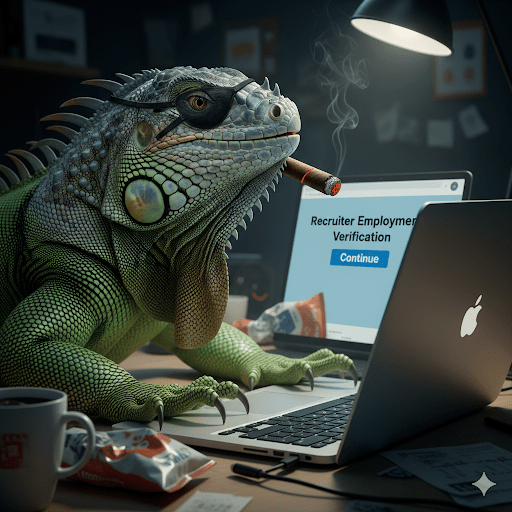
I’ve written about the fake recruiters who InMail you about a great position with their company. I shut up the fakes by requesting their corporate email address at their supposed employer. But what if LinkedIn could catch them BEFORE they ever sent that InMail to me?
“LinkedIn is looking to take on scammers who falsely present themselves as recruiters or company representatives in the app, with an expansion of its company verification option, while it’s also making workplace verification required when a member adds or updates a leadership or recruiter-related role.”
From HR Dive.
Of course, the proposed Know Your Recruiter system isn’t foolproof; nothing is. Scammers can avoid the LinkedIn verification step by simply NOT choosing a leadership or recruiter-related job title.
Imagen 4.
And as much as people like me wish that people would care about verified identities…many don’t.
If “Jones Jay” from Microsoft sends jobseekers an InMail about a wonderful position,
some will blindly respond without even looking at Jones Jay’s LinkedIn profile at all,
much less checking whether his identity and employer are verified.
But at least the attempt demonstrates that LinkedIn cares more about their real users than about the scammers who pay for Premium.







 Bredemarket