I am (mostly) not a programmer, but I’ve been exposed to materials developed for programmers, including materials from a company then known as Apple Computer.
Macintosh programming was new
The Macintosh was new at the time, and there was a learning curve for programmers who were used to character-based interfaces such as MS-DOS. In fact, some programmers were derided for putting DOS-like designs on the Mac platform.
Including Microsoft. Early versions of Microsoft Word used dot commands and other non-Mac interfaces, so we switched to another word processor (FullWrite Professional) which featured a true graphic interface. Unfortunately it was EXTREMELY slow, so we switched back to Word, dot commands and all.
But Apple Computer’s approach to development wasn’t just limited to the look and feel.
The resource fork
Pre-Mac, programmers would create code to compile into a single executable. Then if they needed, say, a French version, they would edit the code, take the English bits out, and put the French bits in.
But files in the original Macintosh File System had two parts: a data fork, and a resource fork. You could edit the resource fork without touching the data fork.
Which meant that it was a lot easier to create that French version of a program.
“Because all the pictures and text were stored separately in a resource fork, it could be used to allow a non-programmer to translate an application for a foreign market, a process called internationalization and localization.”
Localization
Or to create any version of a program.
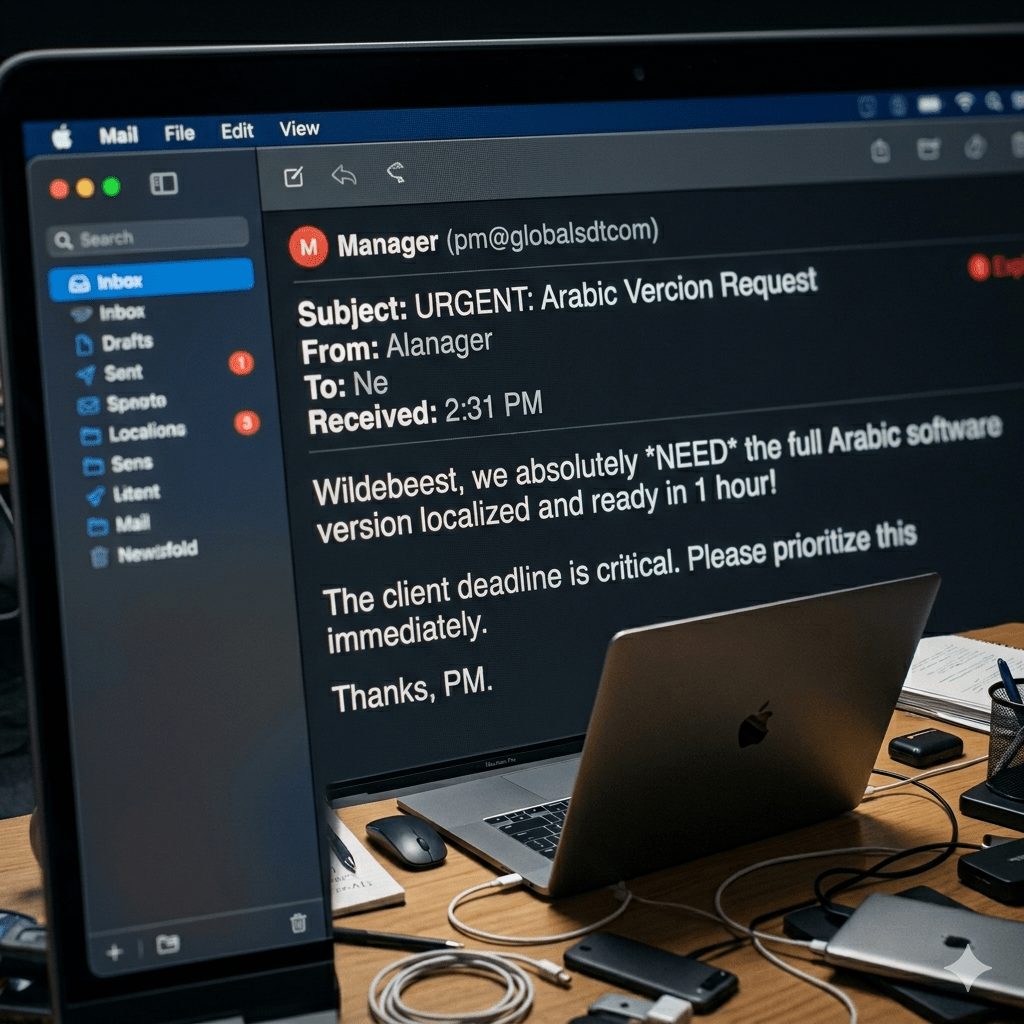
Because of the ease of the process, software developers were not restricted to providing a single software version per country. Residents of Belgium, Canada, China, South Africa, and Switzerland could each receive software in their own local language. And the French Canadian version differed from the Swiss French version. (Or it should have differed.)
Software users received software just for them. And everybody won.
Sadly, this post is not localized, which is why non-U.S. readers are being bombarded with zeds.




 Bredemarket