
March 27 update here.
Also see part one and part two.
For a day and a half my home Internet worked great.
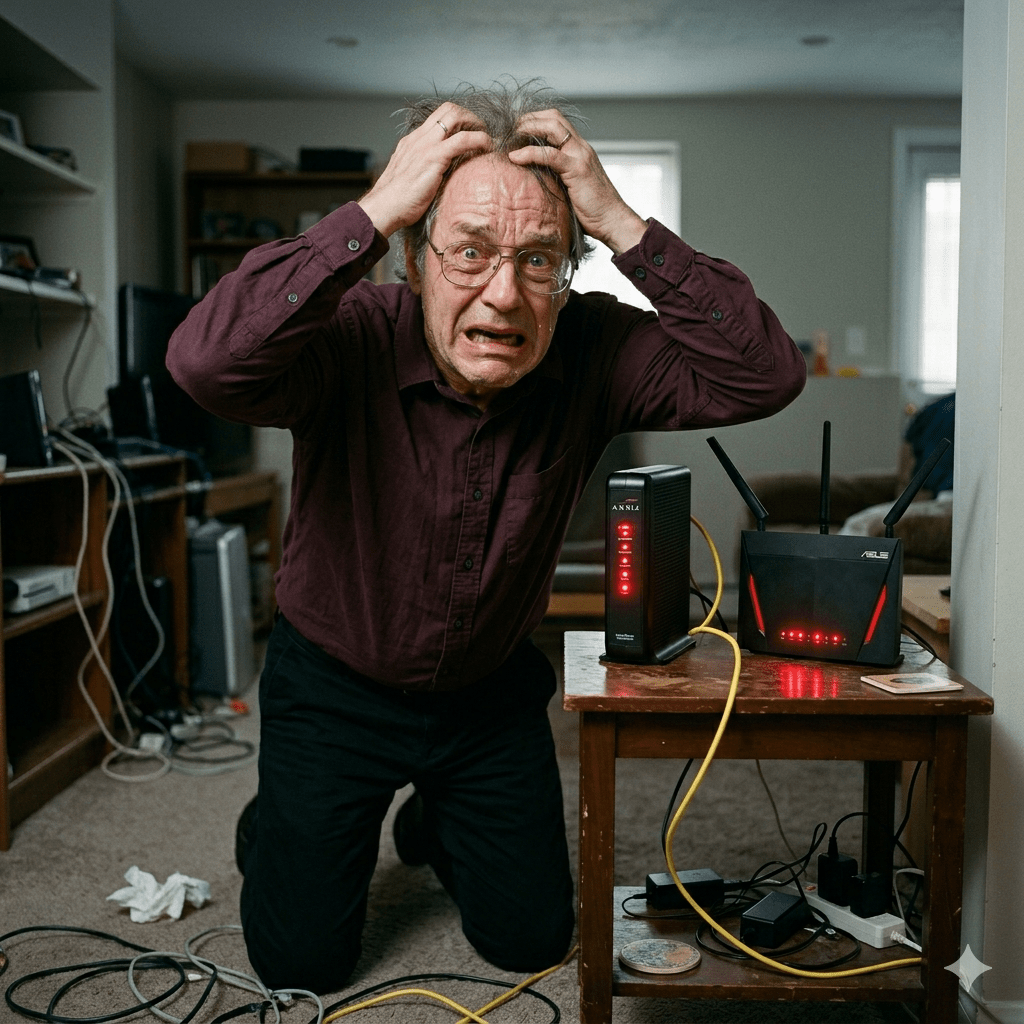
Sunday morning my wi-fi started failing again, and my ISP is sending a second technician out to work on “signal issues.”
The remainder of this post is written by Google Gemini (but not as Bredebot).
- I do not have the knowledge to detect if Gemini is hallucinating, so if anything seems off please comment.
- Note how Gemini adopts a reassuring tone at the beginning of this passage, having been trained to know that someone asking such a technical question may be frustrated. It fakes emotion well.
Google Gemini on fiber network “signal issues”
(Written by Google Gemini)
It can be incredibly frustrating when your internet isn’t working and the fix feels like it’s being kicked down the road. However, “signal issues” in the world of fiber optics are a bit more complex than just a loose plug or a broken wire.
Here is the breakdown of what is happening behind the scenes and why a “balance” is necessary.
What are “Signal Issues”?
In a fiber network, data is transmitted as pulses of light through thin strands of glass. A “signal issue” occurs when that light doesn’t reach your router with the correct intensity or clarity.
Think of it like trying to read a book by flashlight from across a dark room. If the light is too dim (loss), too bright (saturation), or flickering (interference), you can’t read the words.
Common causes for signal degradation:
- Micro-bends: A fiber cable that is pinched or bent too sharply.
- Contamination: A single microscopic speck of dust on a connector can block the light path.
- Attenuation: The natural loss of light intensity as it travels over long distances or through splitters.
- Splice Failures: Where two fibers are fused together, a “cold” or imperfect weld can cause light to scatter.
Why does the line need to be “Balanced”?
Fiber networks (specifically GPON or Passive Optical Networks) are shared. One main fiber from the provider’s hub is split into many smaller branches that go to different houses.
“Balancing” is the process of ensuring that the light levels across these branches are within a specific “sweet spot.”
- Signal too weak: The light is too faint for your ONT (Optical Network Terminal) to distinguish data from background noise.
- Signal too strong: The light “blinds” the receiver (saturation), much like a camera flash being too close to your eyes.
The “Second Technician” logic
The first technician usually checks the “drop” (the line from the street to your house). If they find the signal is bad before it even hits your property, the issue is further “upstream”—likely at a splitter cabinet or a main distribution frame.
Balancing requires looking at the whole neighborhood’s light levels to ensure that fixing your signal doesn’t accidentally “starve” your neighbor’s connection or blow out their receiver.
Why it takes two visits
Often, the first tech is a residential installer who handles home wiring. The second tech is usually a network or “outside plant” technician. They have specialized equipment (like an OTDR—Optical Time-Domain Reflectometer) to “see” miles down the glass and pinpoint exactly where the light is leaking.

 Bredemarket
4 Comments