
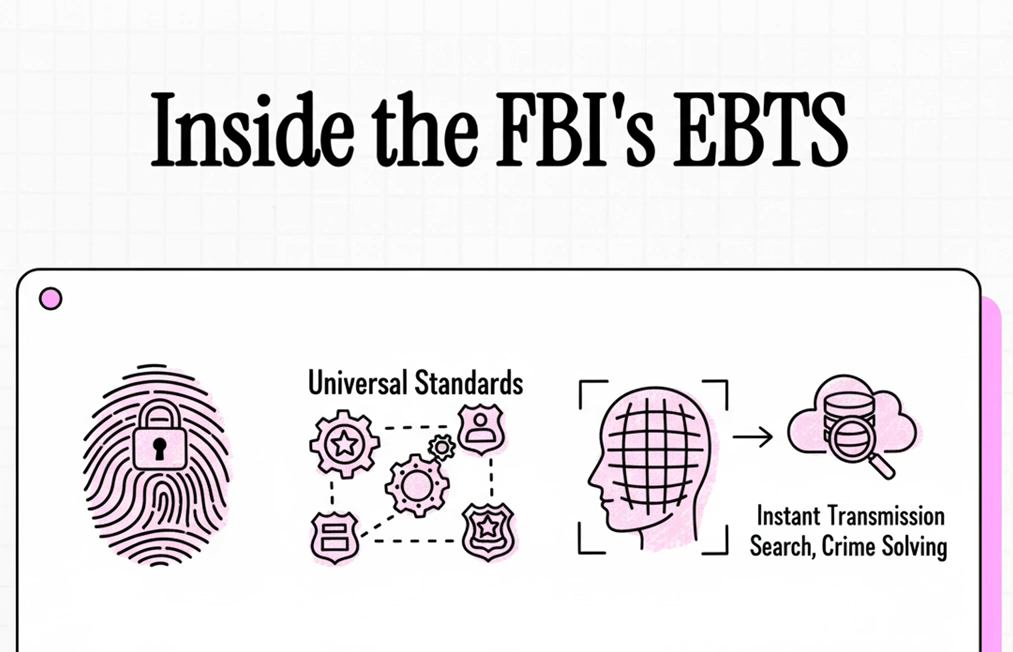
Do you want to skip the book and watch the movie version? Thanks to Google’s NotebookLM, you can.
I used the Federal Bureau of Investigation’s Electronic Biometric Transmission Specification (EBTS) for this exercise.
What should you NOT upload to NotebookLM?
But there’s two things I need to say about the EBTS:
- First, the EBTS is a public document and not a top secret document. You can download the EBTS yourself from the https://fbibiospecs.fbi.gov/ebts-1/approved-ebts-1 URL. For my test I used version 11.3 of the EBTS from earlier this year.
- Second, the EBTS is a public domain document and is not copyrighted. This is something I need to emphasize. If you’re going to take a magazine article and make a movie out of it, the copyright holder may have something to say about that.
Both points are important. If you want to upload your employer’s confidential report into NotebookLM for analysis…well, you probably shouldn’t. But the public, non-copyrighted EBTS is safe for this exercise.
Uploading the EBTS to NotebookLM
So I uploaded the EBTS into NotebookLM, and as expected, I received a short text sumnmary of the document.
“This document outlines the technical specifications for the electronic exchange of biometric and biographic information between various law enforcement agencies and the FBI’s Criminal Justice Information Services (CJIS) Next Generation Identification (NGI) System. It details the Transaction Offense Types (TOTs), which are the standardized requests and responses used for services such as identification, verification, investigation, and data management. Furthermore, the text specifies the precise data fields, formats, and codes required for the submission and retrieval of diverse biometric data, including fingerprints, palm prints, facial images, and iris scans, while also setting forth image quality specifications for scanner and printer certification.”
Now I could continue to query NotebookLM about the document, but I chose to request a video overview instead. This feature was introduced a few months ago, but I missed it.
“Video Overviews transform the sources in your notebook into a video of AI-narrated slides, pulling images, diagrams, quotes, and numbers from your documents. They distill complex information into clear, digestible content, providing a comprehensive and engaging visual deep dive of your material.”
So I launched the video overview creation feature, and waited. As I waited, I mused upon the time it would take me to create this video manually, and I also mused on the usual LLM warning that the result may contain inaccuracies.
I didn’t have to wait that long, maybe 15 minutes, and Google delivered this 7-minute video.
Not too bad…especially considering that the video was created based upon a single source. Imagine if I had provided multiple sources, such as an old version of the Electronic Fingerprint Transmission Specification (EFTS); then the video may have covered the evolution of the standard.
Oh, and I also created a 12-minute audio version, which NotebookLM structures as a two-host podcast. This is similar to the podcast I generated in late 2024 about…me.
In an environment where many people like to watch or listen rather than read, this helps provide a quick overview. But you still have to dive into the document and read it to truly understand it.

 Bredemarket
1 Comment