
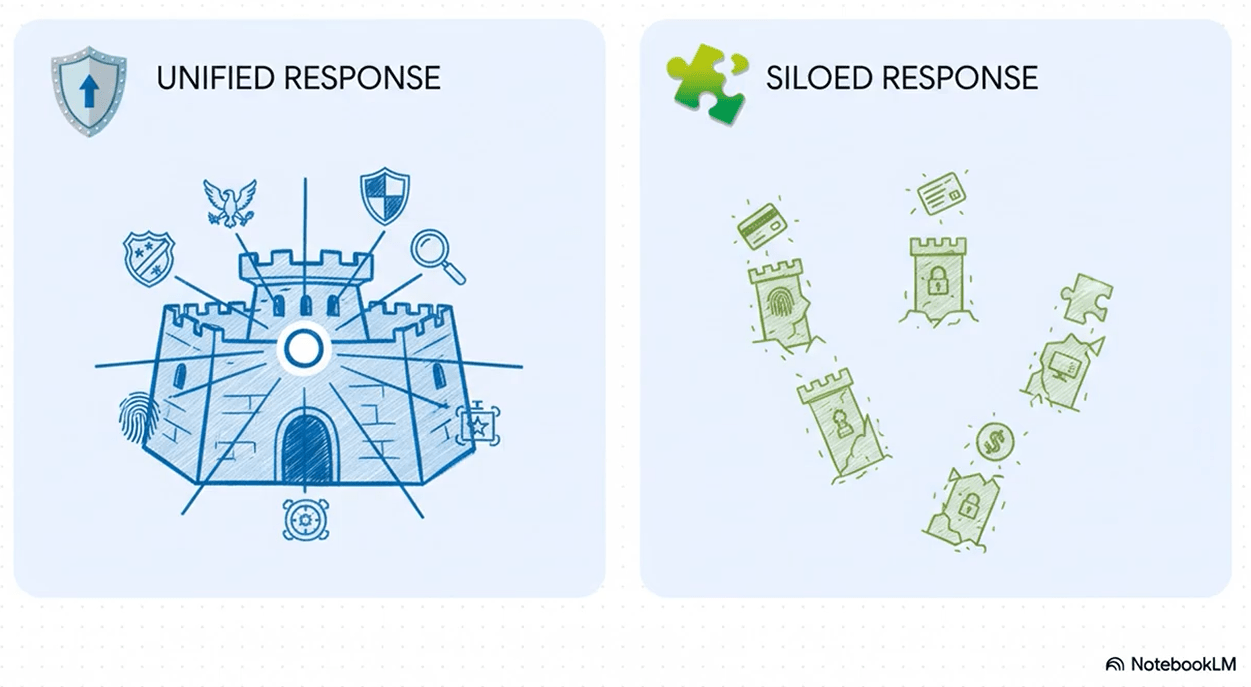
This is definitely an experiment. When I started, I had no idea how it would turn out. In the end I’m fairly satisfied with how NotebookLM repurposed my blog post as a YouTube video, but there were definitely some lessons learned to apply in future repurposing.
Ahref’s best way to get your product listed on LLMs
As we all know, there has been a partial shift from search engine optimization to answer engine optimization. The short version is that content performs well when it answers a question that someone proposes to a large language model (LLM) such as Google Gemini or ChatGPT.
So how do we optimize our content for LLMs?
Yes, I know I could have asked an LLM that question, but I still do some old school things and attended a webinar instead.
I live-blogged Wednesday’s webinar, hosted by the Content Marketing Institute and sponsored by Ahrefs. The speaker was Ahref’s Ryan Law, the company’s Director of Content Marketing. As is usual with such affairs, the webinar provided some helpful information…which is even more helpful if you use Ahref’s tools. (Funny how that always happens. The same thing happens with Bredemarket’s white papers.)
One of the many topics Law addressed was the TYPE of content that resonates most with LLM inquirers. Law’s slide 20 answered this question.
“LLMs LOVE YOUTUBE”
Law then threw some statistics at us.
“YouTube has fast-become the most cited domain in AI search:
1 in AI Overviews
1 in AI Mode
2 in ChatGPT
2 in Gemini
2 in Copilot
2 in Perplexity”
So even if it isn’t number 1 on some of the engines themselves, it’s obviously high, and very attractive to inquirers.
But what of people like me who prefer the portability of text? It’s easier to quote from text than it is to take a short snippet of a video.
YouTube covers that also, since it automatically creates a transcript of every word spoken in a YouTube video.
But…
Bredemarket’s problem
…most of the videos that Bredemarket has created have zero or few spoken words, which kinda sorta makes it tough to create a transcript.
For example, the “Landscape (Biometric Product Marketing Expert)” video that I frequently share on the Bredemarket blog for some odd reason is not only on WordPress, but also on YouTube. However, it has zero spoken words, so therefore no transcript.
This video (actually a short) DOES have a transcript.
“Yo, I’m the outlaw of this country sound, dropping rhymes that shake the ground.”
But I do have some YouTube videos with more extensive transcripts. And one of them suggests a possible solution to my desire to provide YouTube videos to LLMs.
Using Google’s NotebookLM to create videos from non-copyrighted material
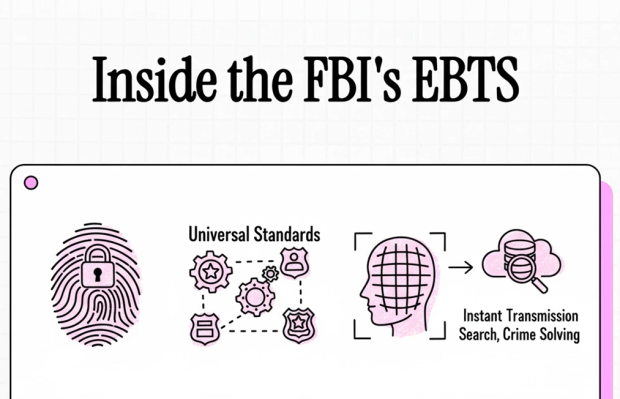
Last November, I uploaded material to Google’s NotebookLM and asked the service to create a movie from it.
The material wasn’t authored by me, but by the U.S. Federal Bureau of Investigation. (Which meant that it wasn’t copyrighted.)
What was it?
Version 11.3 of the Electronic Biometric Transmission Specification (EBTS).
A few of you are already laughing.
For those who aren’t, the EBTS is a fairly detailed standard dictating how biometric and biographic data is exchanged between the FBI’s Next Generation Identification (NGI) system and other federal, state, and local automated biometric identification systems.
As a standard, it’s not as riveting as a Stephen King novel.
But NotebookLM made a movie out of it anyway.
And once I uploaded the movie to YouTube, YouTube created a transcript.
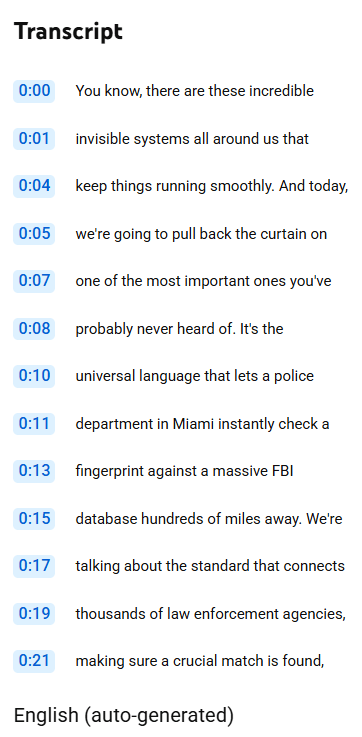
So this potentially helps Bredemarket to be visible.
And if I want to follow Ryan Law’s advice and repurpose my content for YouTube, NoteBookLM provides a method to do it.
Using Google’s NotebookLM to create videos from MY copyrighted material
Time for an experiment, the goal of which is to convert a Bredemarket blog post into a video with a minimum amount of effort.
NotebookLM can use either files or web links as source material for videos, so the easiest method to create my video is as follows:
- Paste the web link to the blog post into NotebookLM.
- Instruct NotebookLM to create a “Video Overview” from this single piece of content.
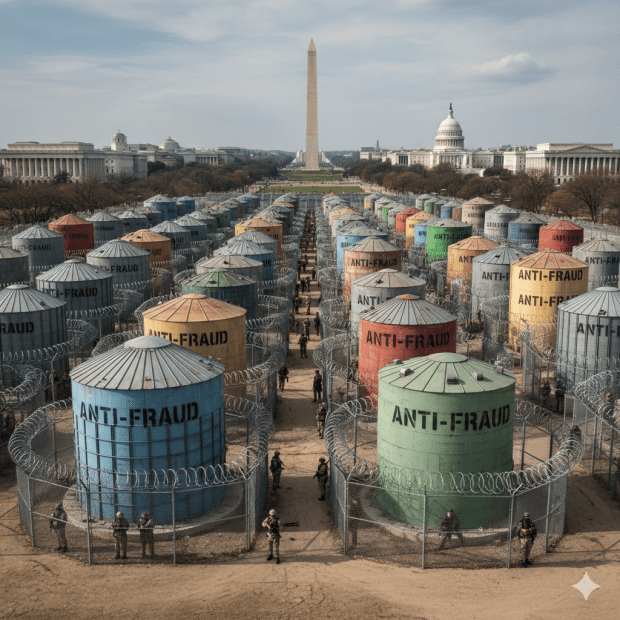
My blog post of choice is my post from earlier today, “Government Anti-Fraud Efforts: They’re Still Siloed.” The post contains a Gemini AI image of silos on the National Mall in Washington DC (inaccurately displaying the U.S. Capitol as NORTH of the Washington Monument). It also includes my text as well as links to outside sources such as the initial draft of H.R. 7270.
So let’s see what NotebookLM gives us.
The first thing that we get is Google’s summary of the content at the link.
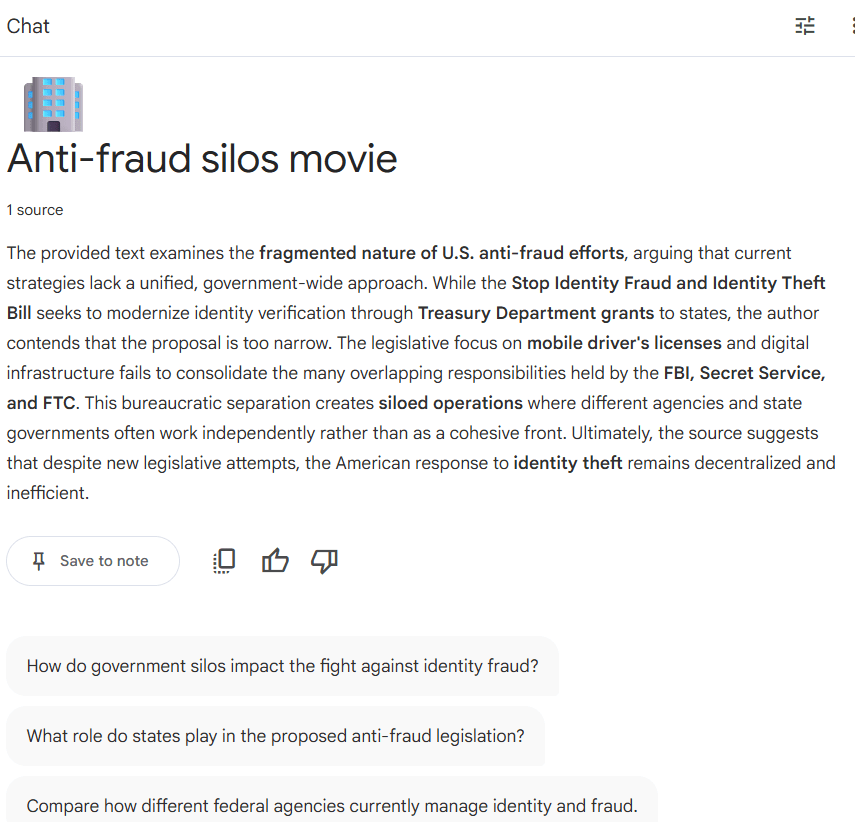
“1 source
The provided text examines the fragmented nature of U.S. anti-fraud efforts, arguing that current strategies lack a unified, government-wide approach. While the Stop Identity Fraud and Identity Theft Bill seeks to modernize identity verification through Treasury Department grants to states, the author contends that the proposal is too narrow. The legislative focus on mobile driver’s licenses and digital infrastructure fails to consolidate the many overlapping responsibilities held by the FBI, Secret Service, and FTC. This bureaucratic separation creates siloed operations where different agencies and state governments often work independently rather than as a cohesive front. Ultimately, the source suggests that despite new legislative attempts, the American response to identity theft remains decentralized and inefficient.”
But that’s just text. Time to create the video overview.
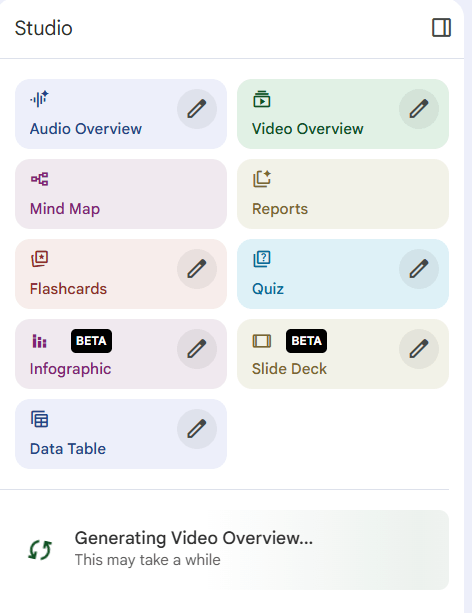
A while later…
Even with relatively minimal content, video creation isn’t immediate. It has to shape the content into a narrative video, after all. Sadly I forgot to time the result, but I received this video, “A Tale of Two Threats,” within a half hour.
As is par for the course with NotebookLM, the narration is self-generated in a viewer-friendly form (“let’s pop the hood”). And it used my source material as a basis to narrate the tale of the U.S. Government’s responses to the “two threats” of terrorism and fraud. As my original blog post noted, the two responses have been quite different.
The video then takes portions of the blog post, including the list of agencies that are NOT part of H.R. 7270, as well as my example of what could happen if the Secret Service’s mission is compromised because of what some other agency is doing.
But it DOESN’T take other portions of my blog post, such as the potential shuttering of the Consumer Financial Protection Bureau, my reference to “evil Commie Chinese facial recognition algorithms,” or my graphic of silos on the Mall. NotebookLM generated its own cartoon graphics instead.
The final step
The first place where I uploaded the video was WordPress, so I could include it in this blog post. I’ll probably upload it to other places, but the second target is YouTube.
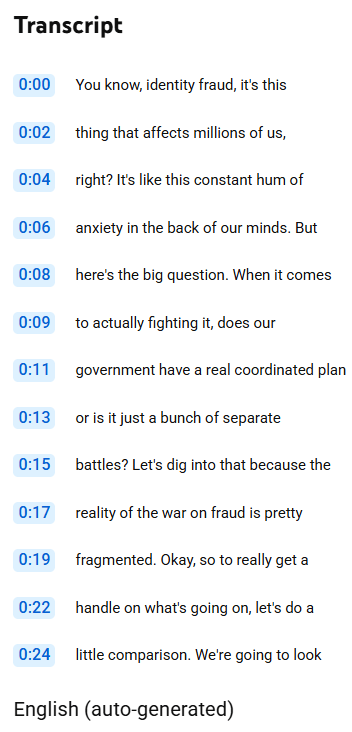
And yes, there is a transcript. Although it took a few minutes to generate. So now the bot’s text is out there for the LLMs to find.
Grading the experiment
I’ll give the experiment a B. It’s not really MY video, but it encapsulates some of my views.
NotebookLM users need to remember that when it creates audio and video content, it doesn’t simply parrot the source, but reshapes it. You may remember the NotebookLM 20-minute “Career Detective” podcast of my resume, in which a male and female bot talked about how great I am. My blog post was processed similarly.
If I want something that better promotes Bredemarket to LLM users, I need to shape the blog post to do the following:
- Address some question that the LLM user asks.
- Include text that promotes Bredemarket as the solution to the inquirer’s problems.
Anyway, I’ll keep these tips in mind when writing…and repurposing…future blog posts.

 Bredemarket