
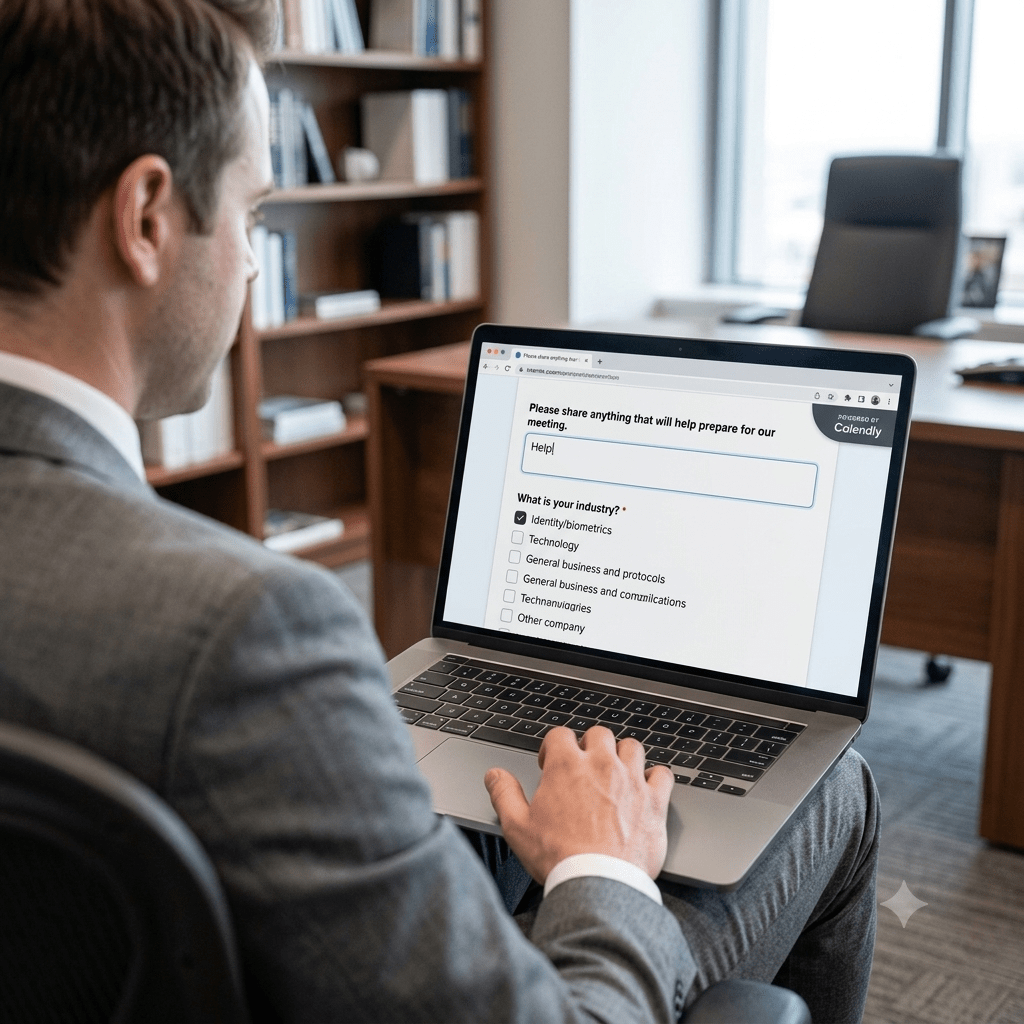
Ever tried to drop a Calendly embed into your site using the WordPress iOS app, only to watch it completely vanish into the digital ether? You’re not alone, and it’s not just a glitch—it is a classic case of security meeting mobile constraints.
To make those slick scheduling widgets work, Calendly relies on <script> tags and <iframe> code. When you edit a page on a desktop browser, you have the full power of your site’s capabilities. But the WordPress mobile app relies on the WordPress REST API to communicate with your site. To keep hackers from injecting malicious scripts into your website via a mobile connection, WordPress employs strict sanitization protocols.
Essentially, the app looks at the Calendly JavaScript, screams “Stranger Danger!”, and strips the code right out to protect your site. It is a necessary security measure, but it does leave mobile publishers in a pinch.
If we left marketing decisions to a wildebeest consulting for a confused herd of wombats, they’d probably tell you to just stop scheduling meetings. But the real-world fix is simple: use the desktop block editor for your embeds, or stick to a simple, mobile-friendly hyperlink when editing on your iPhone.

 Bredemarket